TikTok Video Downloader — Chrome Extension, No Watermark, 1080p
Free Chrome extension that saves any public TikTok video as a clean MP4 at original quality — no TikTok watermark, no username overlay, no third-party sites. Detects videos on the For You feed, profile pages, direct video URLs, and shared TikTok links. Handles Duets, Stitches, and Photo Mode audio. Captures the underlying MP4 from TikTok's CDN BEFORE the watermark is rendered into the file.
Last updated: June 27, 2026
TikTok's built-in 'Save video' option saves a re-encoded copy of the video with a prominent watermark + creator username overlay rendered directly into the pixels — by design, to discourage cross-platform reuploads back to TikTok. For content creators studying competitors, marketers building swipe files, video editors repurposing footage, or anyone who genuinely owns the rights to a video they want to archive cleanly, the watermark is the entire problem. Video Downloader Pro bypasses TikTok's watermark layer by intercepting the original MP4 file from TikTok's CDN — the same source file TikTok itself loads when you watch the video — before the watermark is applied. The result is a clean MP4 at original upload quality (typically 720p or 1080p depending on the source), with no logo, no username, no border, and no spinning watermark. Same workflow handles videos on the For You Page (FYP) feed, on creator profile pages, on individual tiktok.com/@user/video/{id} URLs, and on vm.tiktok.com short-share links.
How to Download
Install Video Downloader Pro from the Chrome Web Store
Navigate to the TikTok video in Chrome
Click the extension icon to detect the video
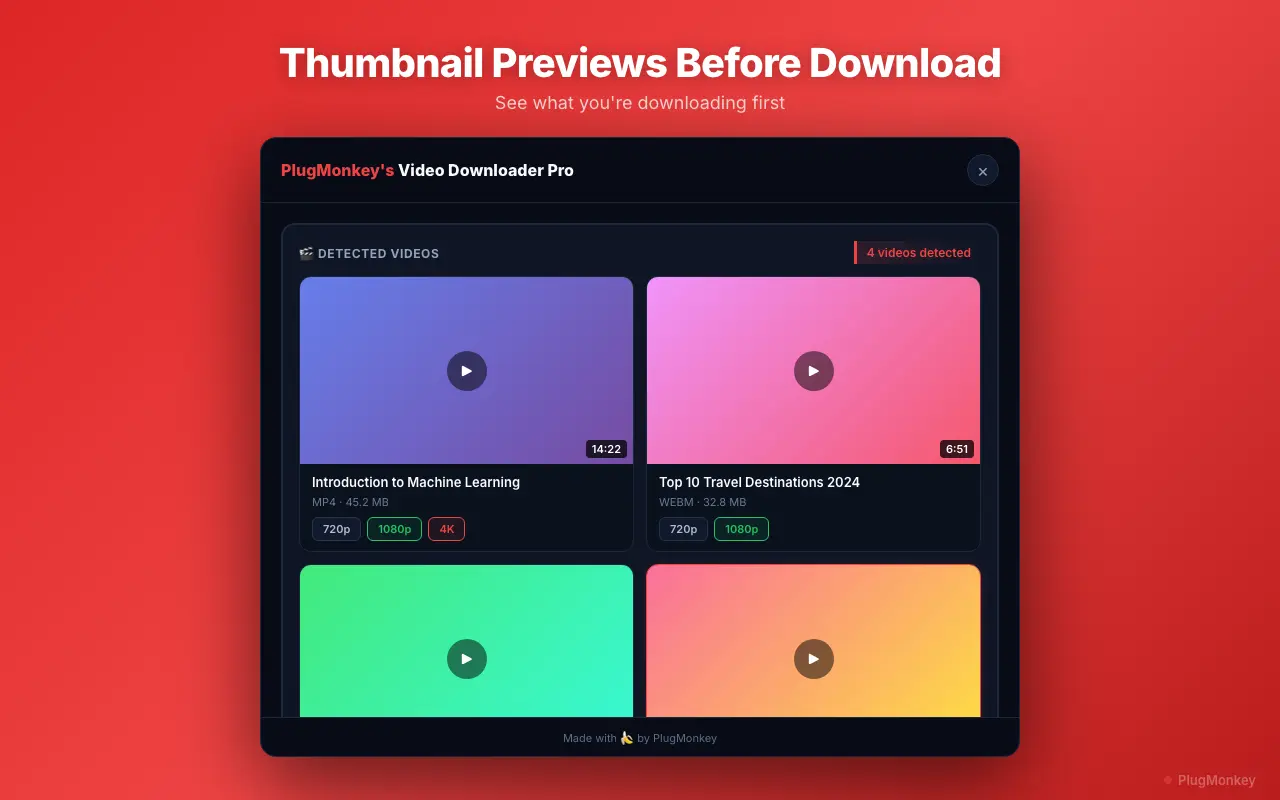
Select quality and download without watermark
Verify the file and repurpose as needed
Handle TikTok-specific edge cases (Duets, Stitches, Photo Mode, Live)
Several TikTok-specific formats have quirks worth knowing about:
- Duets: A Duet combines someone else's TikTok with your own video side-by-side. The downloaded MP4 contains the full combined Duet as displayed — both halves. If you only want your own contribution, crop the file in CapCut or your video editor of choice after download.
- Stitches: A Stitch incorporates a clip from another TikTok before your own footage (sequentially, not side-by-side). The downloaded file is the full Stitch as displayed — both segments. Same crop-after-download approach if you only want your portion.
- Photo Mode (image carousels): TikTok Photo Mode posts are technically multiple images plus a background audio track, not a video. The extension detects and downloads the audio track as a separate MP3. For the images themselves, right-click + Save Image works on each image in the carousel — TikTok stores them as standard JPGs.
- TikTok Live broadcasts: While a Live is in progress, you can capture the stream — the download runs in real time and ends when you stop. TikTok saves some Lives as replays for a limited window (typically a few days) after the stream ends; replays work like regular VOD downloads when available. For Lives you want to keep, download promptly.
- vm.tiktok.com short links: Mobile shares often use vm.tiktok.com short URLs that redirect to the canonical tiktok.com/@user/video/{id} URL. Click through the short link first; the extension detects videos on the canonical URL, not on the redirect.
Supported Formats
- MP4 720p (no watermark) — older TikTok uploads
- MP4 1080p (no watermark) — current default for most TikTok uploads
- MP3 audio track — for Photo Mode posts where there's no video, only audio
Limitations
- TikTok LIVE streams capture in real-time (no fast-forward) — a 1-hour live broadcast takes 1 hour to download. Live replays (when TikTok makes them available as VOD) download faster.
- Videos from private TikTok accounts are not accessible unless you have a logged-in session with approved follow status. The extension uses your existing browser session — no privacy-bypass.
- TikTok caps native video uploads at 1080p. No video downloader can recover higher quality that TikTok doesn't store. Any tool advertising '4K TikTok downloads' is misleading.
- TikTok periodically updates its anti-scraping infrastructure — brief detection gaps (typically 1-2 weeks) may occur after major TikTok updates while the extension catches up.
- Mobile Chrome on Android does not support extensions. Use desktop Chrome (Windows, macOS, Linux) for this workflow.
Need More Download Help?
Ask AI for additional tips on downloading TikTok content.
AI responses are generated independently and may vary
Frequently Asked Questions
One-click TikTok video downloads — no watermark, 1080p, free
Video Downloader Pro saves the original TikTok source file from the CDN — clean MP4, no watermark, no username overlay, no third-party server ever sees the URL. Free for Chrome. Same extension handles Duets, Stitches, Photo Mode audio, and 1000+ other video sites.