Twitter / X Video Downloader — Chrome Extension, Free, 1080p
One-click Chrome extension that saves any public Twitter or X video as clean MP4 at original 720p or 1080p — no watermarks, no third-party sites, no account required. Handles native videos, GIFs (which Twitter serves as silent MP4), and quote-tweet embedded videos. Works on the main feed, individual tweet permalinks, replies, and profile pages.
Last updated: June 27, 2026
Twitter (rebranded to X in 2023) hosts millions of videos every day — breaking news clips, viral memes, sports highlights, product demos, threaded explainers. The platform has never offered a native video download button for regular users; the official 'Share' option deliberately produces a low-quality version with a watermark and the original creator's @ handle overlaid, designed to push viewers back to the source tweet on Twitter rather than letting them archive offline. Video Downloader Pro fills the gap with a one-click save directly inside the Twitter interface — detect, select quality, download, all without leaving the page. The downloaded file is the raw MP4 Twitter's CDN serves to your browser, at original upload quality (typically 720p or 1080p), with no watermark and no overlay. Same workflow handles videos on the main feed, tweet permalinks, replies (videos in replies have the same CDN URL pattern as videos on top-level tweets), quote tweets (which embed the quoted tweet's video), profile-tab videos, and search results. GIFs are technically silent MP4 files on Twitter — Video Downloader Pro detects them automatically without any special workflow.
How to Download
Install Video Downloader Pro from the Chrome Web Store
Navigate to the tweet containing the video
Click the extension icon and detect the video
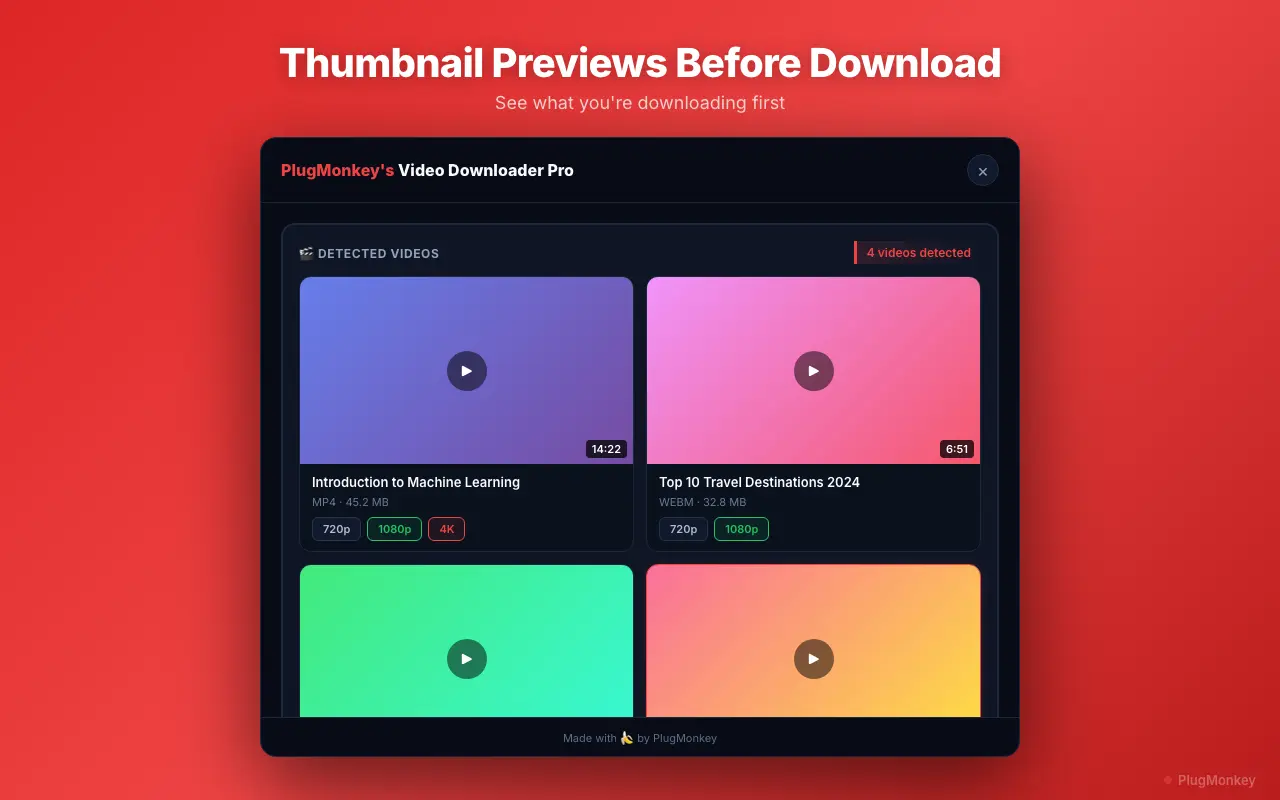
Select your preferred quality and download
Verify the downloaded file and manage your library
Handle Twitter-specific edge cases (quote tweets, threads, deleted tweets)
Several Twitter / X video contexts have quirks worth knowing about:
- Quote tweets with embedded video: When a tweet quotes another tweet that contains a video, both the quoted video AND any video on the quoting tweet are detected separately. The extension lists each as a downloadable entry — pick the one you want. The video is served from the same CDN regardless of which tweet you download from.
- Videos in long threads: Threaded tweets (multi-tweet posts from the same author) load lazily as you scroll. Make sure the specific tweet with the video has loaded — scroll it into view and let it buffer — before opening the extension. The extension only sees videos currently in the DOM.
- Deleted tweets (cached but no longer live): If you have a tweet URL but the tweet has been deleted, the video URL no longer resolves on Twitter's CDN. Some web archive tools (Wayback Machine, archive.today) may have a copy, but the extension cannot recover a deleted video from Twitter directly.
- Tweets from suspended accounts: Account suspensions also remove all the account's videos from Twitter's CDN. Same recovery path as deleted tweets — only web archives.
- Live Spaces audio (not videos): Twitter Spaces uses a separate audio-streaming infrastructure that the video extension doesn't target. For Spaces recording, see the Download Twitter Spaces dedicated workflow.
Supported Formats
- MP4 720p — older Twitter video uploads
- MP4 1080p — current default for most Twitter video uploads (Twitter's platform cap)
- GIF (served as silent MP4) — Twitter converts all GIFs to MP4 internally
Limitations
- Twitter Spaces audio recordings are not supported by this workflow — Spaces uses a separate live-audio streaming infrastructure. See the Download Twitter Spaces page for Spaces-specific guidance.
- DRM-protected or premium subscriber-only video content (rare on Twitter, occasionally appears on X Premium creator monetization) is excluded and cannot be downloaded by any extension.
- Private (protected) account tweets require you to be a logged-in, approved follower before the video is accessible. The extension uses your existing browser session — no privacy-bypass.
- Deleted tweets and tweets from suspended accounts are removed from Twitter's CDN; the extension cannot recover them. Try the Wayback Machine or archive.today as backups.
- Twitter caps native video uploads at 1080p (1920×1080). No video downloader can recover a higher-quality version Twitter doesn't store. Any tool advertising '4K Twitter downloads' is misleading.
- Mobile Chrome on Android does not support extensions — use desktop Chrome (Windows, macOS, Linux) for this workflow.
Need More Download Help?
Ask AI for additional tips on downloading Twitter / X content.
AI responses are generated independently and may vary
Frequently Asked Questions
One-click Twitter / X video downloads — 1080p, no watermark, free
Video Downloader Pro detects Twitter video streams and saves them as clean MP4 files at original quality, locally — no third-party server ever sees the tweet URL. Same extension handles GIFs, quote tweets, and 1000+ other video sites.