Instagram Reels Downloader — Chrome Extension, Free, 1080p
One-click Chrome extension that saves any public Instagram Reel as clean MP4 at original 720p or 1080p — no watermarks, no third-party sites, no Instagram account tricks. Handles Reels, remixes, collaborator-tagged posts, and Reels cross-posted from Facebook. Detects video streams as you browse Instagram in Chrome.
Last updated: June 27, 2026
Instagram Reels are the platform's short-form video format — up to 90 seconds, full vertical 1080×1920, and on most accounts the highest-quality video Instagram serves. The catch: Instagram's web interface has no download button. The mobile app's 'Save' option saves the Reel to your Instagram bookmarks, not to your phone's gallery. The official 'Share' option produces a low-quality version with an Instagram watermark and the original creator's username overlaid — fine for sharing, useless for archiving or repurposing. Video Downloader Pro bridges the gap by detecting Reel video streams as you browse Instagram in Chrome and offering a direct download of the underlying MP4 file Instagram's CDN serves to your browser. The result is a clean file at original upload quality (typically 1080p), with no watermark, no username overlay, and no third-party server ever seeing the Reel URL. Same workflow handles Reels you find in the feed, on creator profiles, in the Explore tab, in Reels search results, and Reels cross-posted from Facebook accounts.
How to Download
Install Video Downloader Pro from the Chrome Web Store
Open the Instagram Reel you want to download
Open the extension panel and detect the Reel
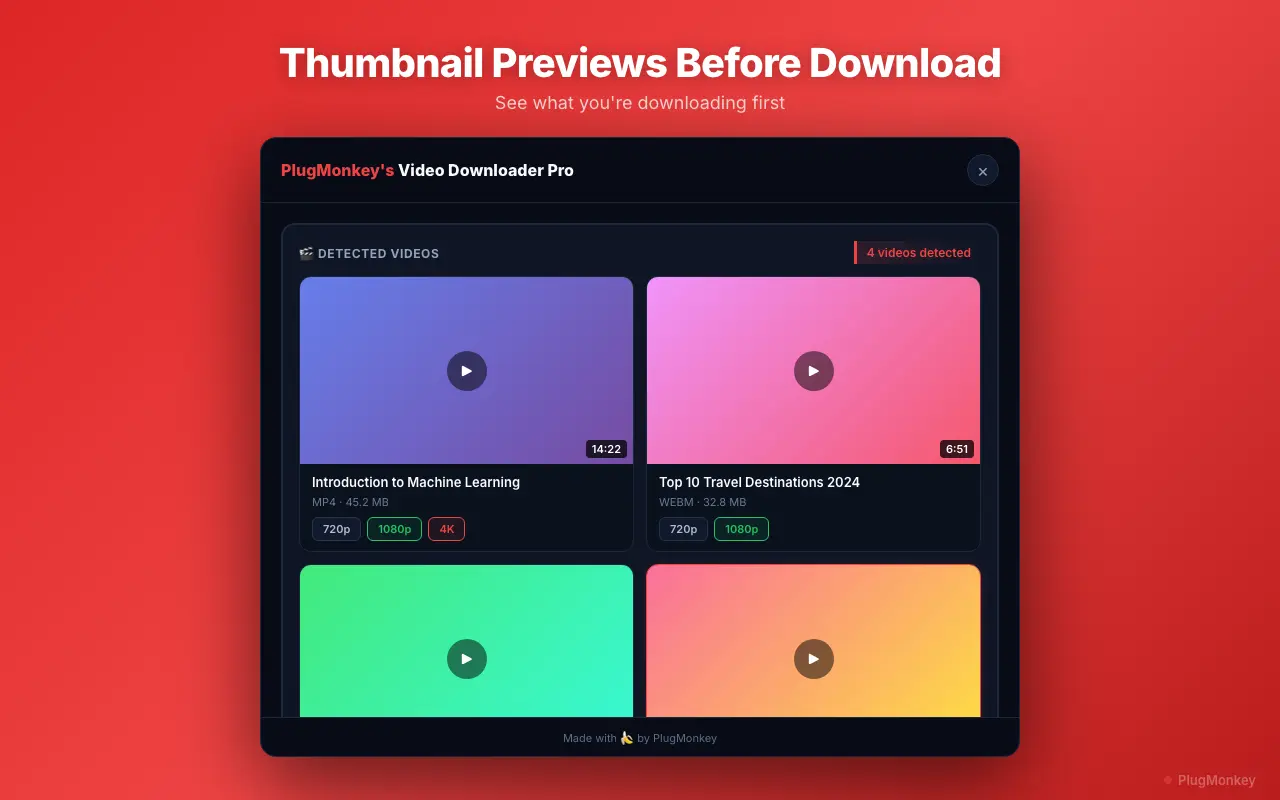
Choose your quality and download the Reel
Verify the file and use it as needed
Handle Reel-specific edge cases (remixes, collaborator posts, cross-posted Reels)
Several Reel types have quirks worth knowing about before you download:
- Remix Reels: A remix combines someone else's Reel with new content side-by-side or sequentially. The downloaded MP4 contains the full remix as displayed — both halves. If you only want your own contribution, you'll need to crop the file in a video editor after download (CapCut, Premiere, or DaVinci Resolve all handle this in 30 seconds).
- Collaborator Reels (multi-author posts): Reels with co-authors show both account handles in the header. The video file itself is identical regardless of which collaborator's profile you download from — Instagram serves the same CDN file. You can download from either profile and get the same result.
- Cross-posted Reels (from Facebook): If a creator linked their Facebook and Instagram accounts, Reels often cross-post to both. The Instagram version may be slightly re-encoded vs the Facebook source, but quality difference is usually invisible. Download from whichever platform's URL you have; both work with Video Downloader Pro.
- Reels with licensed music: Reels using Instagram's licensed music library sometimes have audio restrictions applied on the CDN stream — the music plays for viewers in some regions but is muted/replaced for others. The extension downloads what your browser's session receives. If your downloaded Reel has unexpected silence, try opening the same Reel in an incognito Chrome window logged into a different region's Instagram account.
- Reels in Stories (re-shared): When someone re-shares a Reel as an Instagram Story, that's a Story, not a Reel — use the dedicated Download Instagram Stories workflow instead.
Supported Formats
- MP4 720p — typical Reel resolution for older uploads
- MP4 1080p — current default for most Reel uploads since 2022
- Audio-only track — when Instagram separates audio at the CDN level (not all Reels)
Limitations
- Private account Reels are not accessible unless you are a logged-in, approved follower of that account. The extension uses your existing browser session — it does not bypass Instagram's privacy controls.
- Reels that use Instagram's licensed music library may have audio replaced or muted in regions where the music licensing doesn't apply. The downloaded file reflects what your browser receives.
- Instagram caps video uploads at 1080p across the platform. No video downloader can recover a 4K version that Instagram doesn't store on its CDN — any tool advertising '4K Instagram downloads' is misleading.
- Reels content under active DMCA or rights-holder takedown may not be downloadable if Instagram has applied stream restrictions. This is rare for Reels (more common on IGTV and feed videos), but possible.
- Mobile Chrome on Android does not support extensions. Use desktop Chrome (Windows, macOS, Linux) for the workflow.
Need More Download Help?
Ask AI for additional tips on downloading Instagram Reels content.
AI responses are generated independently and may vary
Frequently Asked Questions
One-click Instagram Reels downloads — 1080p, no watermark, free
Video Downloader Pro detects Reel video streams as you browse Instagram in Chrome and saves them as clean MP4 files at original quality. Same extension handles Reels, Stories, IGTV, feed videos, and 1000+ other sites.