Instagram Story Downloader — Chrome Extension, Free, Before 24h Expiry
Instagram Stories vanish after 24 hours and the platform has no native save option for desktop users. This free Chrome extension catches any Story you can view — yours, public accounts, or private accounts you follow — and saves the underlying MP4 (video Stories) or JPEG/PNG (photo Stories) directly to your computer. One click. No watermarks, no anonymous-viewer workarounds, no third-party sites that log Story URLs on their servers.
Last updated: June 28, 2026
Instagram Stories are the platform's 24-hour-expiring content format — short-form photos and videos that disappear from the Story Ring after a day (unless promoted to a Highlight). Instagram offers no native download option for other accounts' Stories on desktop, and the mobile app only lets you save your own Stories. The third-party fallbacks are mostly web-based 'anonymous Story viewer' tools that paste the username and fetch publicly-accessible Stories — but they can't access Stories from private accounts you follow (their servers don't have your Instagram login), and they log every username you submit. Video Downloader Pro works directly inside Chrome, detecting the Story media (video or photo) as you view it on instagram.com, and saving the file before the 24-hour clock runs out. Same workflow handles your own Stories (before they expire), public-account Stories (anyone can view), and private-account Stories from accounts that have approved you as a follower. It does NOT bypass Instagram's privacy — it captures what your already-logged-in browser session is already loading.
How to Download
Install Video Downloader Pro from the Chrome Web Store
Log into Instagram in Chrome and open a Story
Open the extension panel while the story media is visible
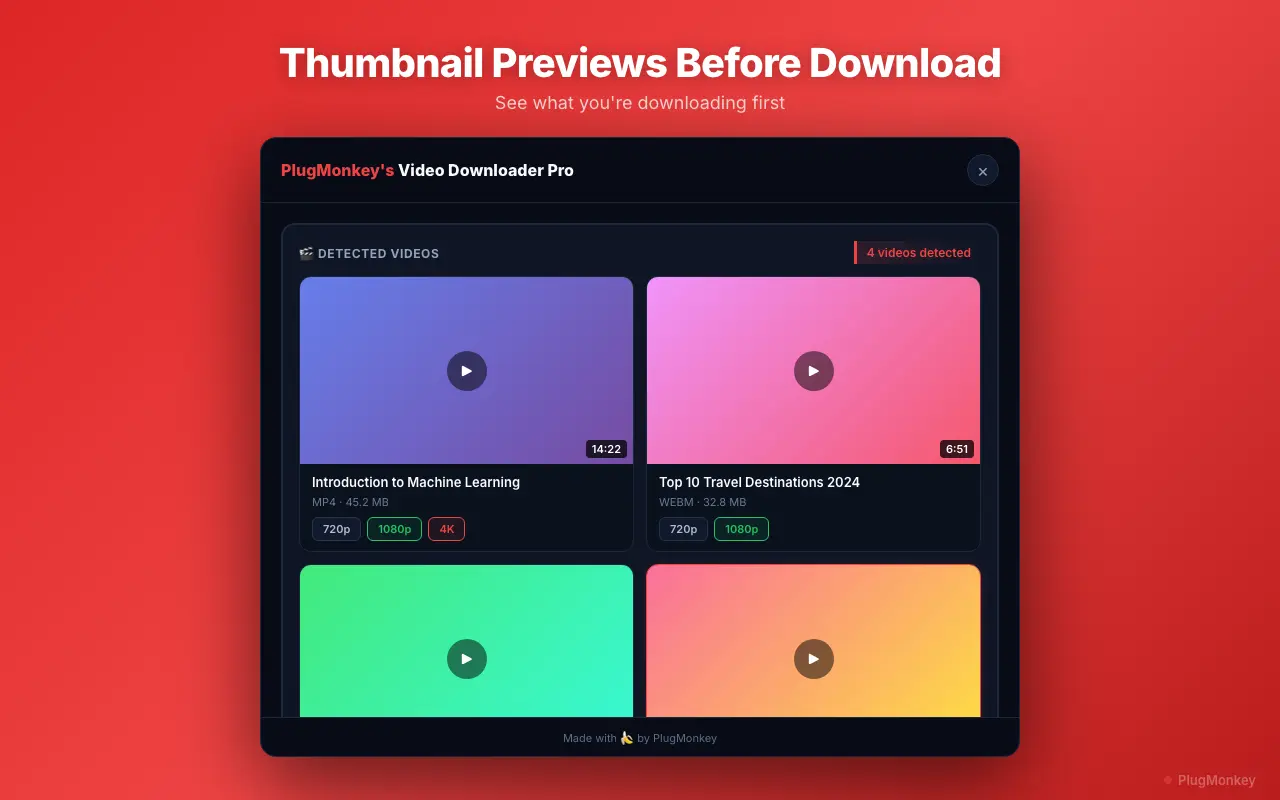
Download the story photo or video
Verify and archive your saved story media
Supported Formats
- MP4 — video Stories (typically 1080×1920 vertical)
- JPEG — photo Stories (full Instagram CDN resolution)
- PNG — photo Stories (where Instagram stores PNG variant)
Limitations
- Private account Stories require you to be a logged-in, approved follower — the extension can only download media Instagram has already loaded into your browser session. No privacy-bypass.
- Stories that have already expired (past 24 hours, not promoted to Highlights) are no longer on Instagram's CDN — no extension can recover them. Set up regular archival capture for Stories you want to keep.
- Stories with licensed background music may have audio muted or replaced in regions where the licensing doesn't apply. Downloaded files reflect what your browser receives.
- Anonymous Story viewing is NOT supported — the extension uses your existing browser session, which means Instagram knows you viewed the Story (your view appears in the Story owner's viewer list, same as if you viewed without the extension).
- Mobile Chrome on Android does not support extensions — use desktop Chrome (Windows, macOS, Linux).
Need More Download Help?
Ask AI for additional tips on downloading Instagram Stories content.
AI responses are generated independently and may vary
Frequently Asked Questions
Save Instagram Stories before the 24-hour clock runs out — free, local, MP4 + JPEG
Video Downloader Pro detects Story media as you view it on instagram.com and saves the underlying file to your computer — no anonymous viewer required (you DO show up in the viewer list), no third-party server, no watermarks. Free for Chrome.