Download Private Instagram Stories You Can Already See
Stories from private accounts you follow disappear after 24 hours. Video Downloader Pro captures whatever Story you can currently view — video as MP4, photo as JPG — saved locally. Important: it can only download Stories you ALREADY have access to as an approved follower; it doesn't bypass Instagram's privacy controls.
Last updated: June 21, 2026
Instagram Stories are 24-hour ephemeral content — they vanish from the original poster's profile (and your access) unless saved to a Highlight. For private accounts (accounts that approved your follow request), the access window is the same 24 hours. Video Downloader Pro captures Stories you can currently view as a logged-in approved follower — whatever your Instagram session shows you, the extension can save. Critical clarification: this is NOT a tool for viewing private accounts you don't follow. Instagram's privacy controls are real cryptographic gates; nothing legitimate bypasses them. This workflow is for the legitimate use case: 'I have access, I want to keep a copy.'
How to Download
Confirm you're logged in and following the private account
The extension works from your existing Instagram browser session. If you can't see the Stories in Chrome normally (because you don't follow the account, or the account hasn't approved your follow request, or you're logged out), the extension can't either. Prerequisites:
- Logged into Instagram on Chrome (instagram.com)
- Following the private account (your follow request was approved)
- The Story is currently visible (within the 24-hour active window OR saved to Highlights)
To verify: open instagram.com → search the account → click their profile → if you see their grid + Stories ring, you have access. If you see 'This Account is Private' with no grid, you don't follow them and the extension can't help.
Open the Story and trigger the extension
Navigate to the account's profile and click their Stories ring to start viewing. Instagram plays Stories sequentially (5-15 seconds each for photos, up to 60 seconds for video segments). With Video Downloader Pro installed:
- Click the extension icon at the moment the Story you want is displayed
- The extension scans the current Story player for media — video stream OR photo URL
- Two output types appear:
- MP4 video (for video Stories) — usually 720p or 1080p depending on what was uploaded
- JPG photo (for photo Stories) — original resolution, no watermark
For multi-segment Stories (a thread of 5+ Stories): the extension captures the CURRENTLY DISPLAYED Story. To grab the next one, advance to it (click forward in the Story player), then trigger the extension again.
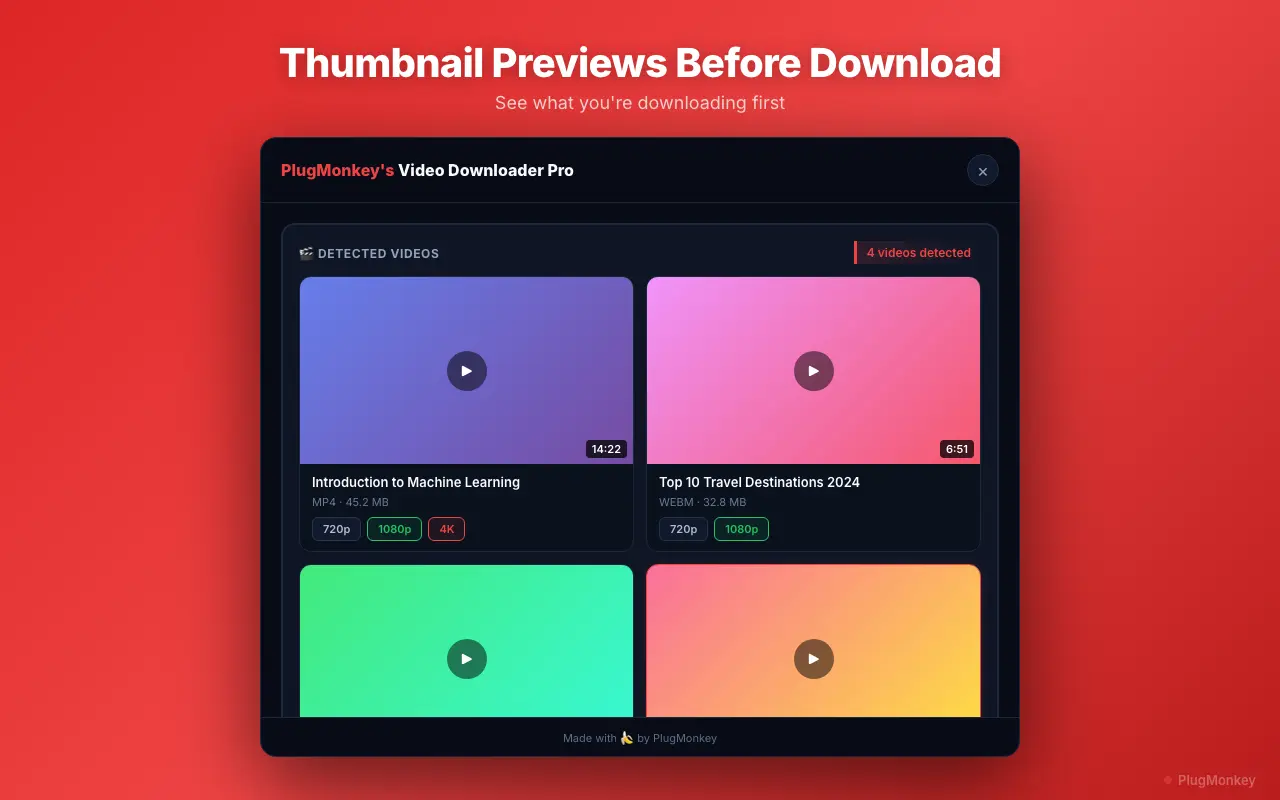
Download the Story and verify it's the right one
Click the MP4 or JPG link in the extension's detected-media list. The file downloads to your default Downloads folder. Verify:
- Open the downloaded file — confirm it matches the Story you intended to save
- Check there are no watermarks — Video Downloader Pro doesn't add any; what's in the file is what Instagram served (which is generally clean for Stories — no IG watermark on Stories unlike Reels)
- Verify resolution — Instagram serves Stories at the resolution the poster uploaded. Higher-resolution sources = larger files. Typical: 720x1280 for video Stories, varies for photo
For organizing saved Stories from multiple private accounts:
- Rename files immediately with account + date (e.g.,
username_2026-06-21_morning.mp4) - Create per-account folders so the archive stays navigable
- For high-frequency Story-savers, set up a watched Downloads folder that auto-sorts by filename pattern (Hazel on Mac, File Juggler on Windows)
Ethical and privacy considerations (important)
Downloading Stories from private accounts you have legitimate access to is a different situation than the various 'see private Instagram' tools that promise account bypassing. Key distinctions:
- You followed and were approved: the account owner CHOSE to grant you access to their Stories. Saving what they shared with you is fundamentally the same as taking a screenshot of a friend's text message — legal, common, but socially context-dependent.
- You DIDN'T follow and want to see anyway: the account owner CHOSE NOT to give you access. Any tool claiming to bypass this is either lying (returns fake data), phishing (asks for your password), or compromising Instagram's security (against Instagram's TOS + potentially illegal).
Instagram does NOT notify Story posters when you screenshot OR download — there's no signal sent to them. The ethics live in what you do with the downloaded content:
- Personal archive: generally fine — you're keeping a copy of something shared with you
- Forwarding to others outside the audience: arguably a privacy violation depending on context (a friend's vulnerable Story shared with their 50 closest people vs reposting to thousands)
- Reposting on public platforms: requires the original poster's permission; may violate Instagram TOS
- Blackmail / threat / harassment use: illegal regardless of how you got the content
Supported Formats
- MP4 (H.264 video + AAC audio) — for video Stories, original resolution as uploaded
- JPG — for photo Stories, original resolution
- MP4 720x1280 (most common — Instagram's default Story video format)
Limitations
- Requires logged-in Instagram session and approved-follower status for the private account — the extension uses your existing access; it does NOT bypass Instagram's privacy controls. Tools claiming to bypass private accounts are scams or phishing.
- Stories expire after 24 hours unless saved to Highlights — the extension can only capture Stories you can currently view in Instagram
- Music stickers, polls, and other interactive elements are overlay layers in Instagram; the downloaded MP4 is the base video — interactive functionality (poll voting, music attribution) doesn't carry through to the file
- Highlight viewer lists are not exposed to the account owner (unlike active-Story viewer lists), so the original poster has no way to see who downloaded vs who just viewed
- Redistributing private Story content without the original poster's permission may violate Instagram TOS and create civil/criminal liability depending on jurisdiction and context
Need More Download Help?
Ask AI for additional tips on downloading Instagram Private Stories content.
AI responses are generated independently and may vary
Frequently Asked Questions
Save Stories from accounts you follow before they expire
Install Video Downloader Pro free. Works with your existing logged-in Instagram session — captures Stories as MP4/JPG, original quality, no Instagram watermark. Does NOT bypass private-account access controls.