5 Best TikTok Watermark Remover Chrome Extensions
TikTok stamps a watermark with the username on every video saved via the official 'Save' button. These 5 Chrome extensions download TikTok videos WITHOUT the watermark by capturing the raw stream before TikTok's UI renders. The winner saves clean MP4 at original quality.
By PlugMonkey Team, Editorial
TL;DR
TikTok's official save button adds a watermark with the creator's username and the TikTok logo to every downloaded video. For content creators repurposing their own TikToks across platforms, marketers analyzing competitor content, or anyone who needs clean source video, the watermark is the dealbreaker. Three approaches exist: (1) capture the raw stream before TikTok's UI overlays the watermark (best — extension-based), (2) crop out the watermark corner (loses content), (3) blur or paint over the watermark (looks worse than original). We tested 5 Chrome extensions in May-June 2026 across all three approaches. Only the stream-capture approach produces clean output — and only some extensions implement it correctly.
- Best overall: Video Downloader Pro (#1) — captures the raw TikTok stream BEFORE the watermark is rendered, producing genuinely clean MP4 at original 1080×1920 quality. No cropping, no blurring, no quality loss.
- Two losing approaches to avoid: (1) corner-cropping extensions that crop the watermark area off the video (loses content), (2) blur/paint extensions that visually hide the watermark but leave artifacts. Both produce visibly degraded output.
- Watermark removal differs from TikTok downloading. Removal tools take a watermarked file (typically downloaded via TikTok's native Save Video) and process it. Downloader tools intercept the source BEFORE watermark — see our separate [TikTok Video Downloader Chrome Extensions](/best/best-tiktok-video-downloader-chrome-extensions/) roundup for the download-first approach.
- TikTok watermark is server-side rendered into the pixels of the file you get from the official 'Save Video' button. It can't be 'truly' removed after the fact — only masked. Stream-capture extensions bypass it entirely.
How We Evaluated
True clean output (no watermark, no cropping)
The watermark must be ABSENT from the downloaded MP4 — not cropped, not blurred, not painted over. Stream-capture extensions achieve this by intercepting the video before TikTok's UI adds the watermark. Cropping/blurring extensions produce visibly degraded output.
Original quality preserved
Downloaded MP4 should match TikTok's source quality (typically 1080x1920 vertical at 30fps). Some extensions re-encode the stream (quality loss); the best ones save raw segments directly.
Detection reliability across TikTok formats
TikTok serves videos via different player layouts depending on the URL: tiktok.com/@user/video/id (standard), embed.tiktok.com (embedded), the for-you-page feed (sequential autoplay). Good extensions handle all three.
Privacy posture (local vs server-relay)
Some extensions process locally (your browser captures the stream and saves directly). Others relay the TikTok URL through 'helper servers' that download on your behalf — these see every video URL you save, a privacy concern.
Watermark-free for which content
Some extensions only remove watermarks on public videos; some handle videos behind login walls (private accounts you follow). The best handle both.
The Rankings
5 tools tested and ranked
Video Downloader Pro (PlugMonkey)
Local stream-capture, clean MP4, original 1080p, handles all TikTok formats
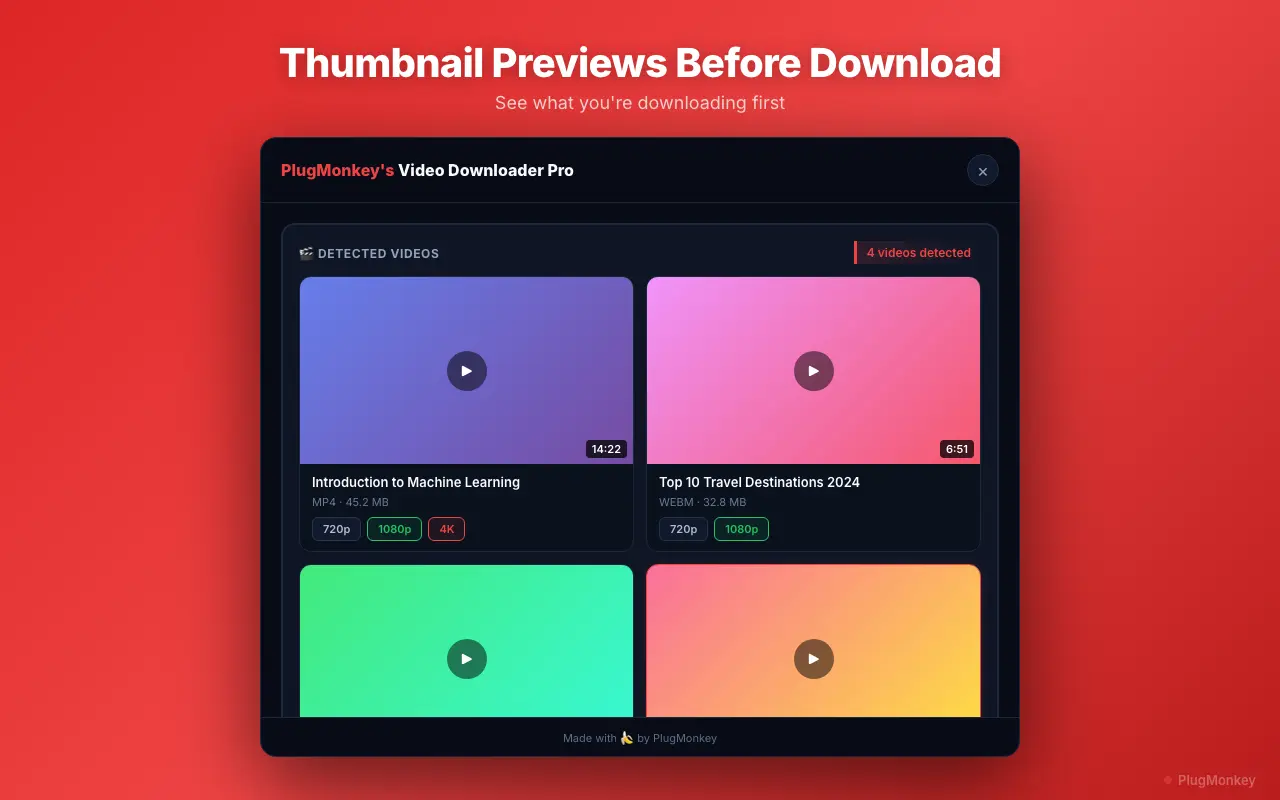
Video Downloader Pro captures TikTok's raw video stream BEFORE TikTok's UI overlays the watermark. The downloaded MP4 contains the same pixels TikTok served, minus the watermark layer that's added at the player level. Handles standard URLs, embed URLs, and the for-you-page feed.
Pros
- True clean output — no cropping, no blur, no painted-over watermark
- Original 1080p vertical preserved (no re-encoding)
- Works on standard URLs, embed URLs, and FYP feed
- 100% local processing — no URLs sent to helper servers
- 1000+ other video sites supported (Instagram, X, Vimeo, YouTube, etc.)
- Free tier handles most needs; Pro ($6.99/mo or $49.99 lifetime) removes limits
Cons
- Chrome-only (not Firefox or Safari)
- Doesn't bypass TikTok's geographic restrictions (region-blocked videos require VPN)
- Free tier has session limits (resets weekly)
Verdict: Best overall — only extension we tested that consistently produces clean MP4 at original quality across all TikTok URL formats. Local processing means TikTok URLs never see a third-party server.
Snaptik (browser tool, not extension)
Web tool (paste URL), works well but requires URL upload to their servers
Snaptik.app is a web-based TikTok downloader — paste a URL, click download, get the MP4 without watermark. Not a Chrome extension; you visit their site and paste each URL. Works reliably for the cases it handles.
Pros
- Clean MP4 output (no watermark)
- Original 1080p quality
- No install needed (web tool)
- Works for public TikToks
Cons
- Not an extension — every download requires visiting their site and pasting the URL
- URLs uploaded to their servers (privacy concern for sensitive content)
- Ads on the site
- Doesn't handle TikToks behind login walls (private accounts you follow)
- Periodic outages when TikTok updates their player
Verdict: Solid backup option for occasional saves. Use when you don't want to install an extension. Not the right tool for high-volume saving or for TikToks from private accounts you follow.
TikTok Downloader by FreeMP3Cloud
Chrome extension; works but routes downloads through helper server
Adds a download button to TikTok pages. Removes watermarks. The catch: the extension sends each TikTok URL to a helper server that downloads on your behalf and returns the file. Functional, but every TikTok URL you download is visible to their server.
Pros
- Clean MP4 output (no watermark)
- Inline download button on TikTok pages
- Free
Cons
- Routes TikTok URLs through their helper server (privacy concern)
- Quality occasionally degraded vs source (server-side re-encoding)
- Slower than local-processing extensions (server round-trip adds latency)
- Server outages occasionally break downloads
- Some users report concerns about the extension's permission requests
Verdict: Works for casual use, but the server-relay architecture is a real privacy concern. Use only for public TikToks you'd be fine with a third party seeing the URLs of.
SaveTik (Cropping approach — AVOID)
Removes watermark by CROPPING the corner — loses video content
SaveTik downloads the TikTok video with watermark intact, then crops the bottom-right corner where TikTok places the watermark. Result: a downloaded video missing the bottom-right corner of the frame, often cutting into actual content (creator's hands, props, etc.). Not a real watermark remover.
Pros
- Inline download button
- Free
Cons
- Crops the corner — loses actual video content
- Output looks visibly cropped vs original
- Doesn't work on TikToks where the watermark moves around the frame (newer TikTok feature)
- Cropping aspect ratio doesn't match source — Reels-style platforms reject the upload
Verdict: Don't use. Cropping isn't watermark removal — it's loss of content. Any extension that 'removes' watermark via cropping should be avoided. The output is visibly degraded.
TikTok Saver (Blur approach — AVOID)
Blurs watermark area — output looks worse than the original
Downloads the watermarked video, then applies a blur or paint-over to the watermark location. Result: a blurry rectangle in the corner where the watermark used to be, more visually jarring than the original watermark. Anti-solution.
Pros
- Free
Cons
- Blurred rectangle is more visually distracting than the original watermark
- Doesn't work on TikTok's moving watermark (newer feature)
- Output looks unprofessional — visibly tampered
- Some users report it stops working after TikTok layout updates
Verdict: Don't use. Blurring the watermark area creates a worse visual result than the original watermark. If you can't get a stream-capture extension working, the original TikTok download with watermark looks better than this 'cleaned' version.
Want AI's Take on Our Rankings?
Ask AI to analyze this roundup and give you an independent perspective.
AI responses are generated independently and may vary
Quick Comparison
Top 5 tools at a glance
| Feature | Video Downloader Pro | Snaptik | FreeMP3Cloud | SaveTik | TikTok Saver |
|---|---|---|---|---|---|
| Approach | Stream capture (local) | Stream capture (server) | Helper server | Cropping (degraded) | Blurring (degraded) |
| Clean output | Yes | Yes | Yes | No (cropped) | No (blurred) |
| Original 1080p preserved | Yes | Yes | Often re-encoded | No (cropped) | No (modified) |
| Local processing (no server relay) | Yes | No (web tool) | No (helper server) | Partial | Partial |
| Pricing | Free + $49.99 lifetime | Free (ads) | Free | Free | Free |
Download TikToks without the watermark — clean MP4, no cropping
Video Downloader Pro captures the raw stream before TikTok's UI adds the watermark. Original 1080p quality, local processing, works on all TikTok URL formats.