Download Facebook Reels as MP4 — HD, No Watermark
Facebook Reels are Meta's TikTok-style vertical short videos. There's no native download button — Video Downloader Pro detects the HLS stream Facebook serves during Reels playback and saves it as a clean MP4. Original quality preserved (HD when source supports it), no Facebook watermark added by the extension.
Last updated: June 21, 2026
Facebook Reels are Meta's response to TikTok and Instagram Reels — vertical short-form video integrated into the Facebook News Feed and the dedicated Reels tab. Like TikTok, Facebook doesn't offer a download button on Reels (despite the format being designed for shareable consumption). For creators repurposing their own Reels across platforms, marketers building swipe files, or anyone preserving content they want offline, Video Downloader Pro fills the gap. It detects the HLS video stream Facebook serves during Reels playback and saves it as a standalone MP4 file at the original upload quality.
How to Download
Open the Facebook Reel in desktop Chrome (not the mobile app)
Video Downloader Pro is a Chrome extension — it works on Facebook's web interface, not the mobile app. To capture a Reel:
- If you discovered the Reel on mobile, share it to yourself or copy the URL and open on desktop Chrome
- On desktop, navigate to the Reel via: the Reels tab in left sidebar, a friend's profile → Reels tab, or directly via the Reel's shared URL
- The URL format for a Facebook Reel is typically:
facebook.com/reel/[id]orfacebook.com/[username]/videos/[id]
Wait for the Reel to start playing — the HLS stream loads after playback begins, not when the page first renders. Video Downloader Pro detects streams that have actually started loading.
Trigger Video Downloader Pro and pick the quality
Click the Video Downloader Pro extension icon. For a Facebook Reel, you'll typically see:
- Multiple resolution variants: 360p, 480p, 720p, sometimes 1080p depending on the source upload
- HLS stream entries: labeled with bitrate and resolution (e.g., '720p, 2.5Mbps')
- Audio-only variant: useful only for audio extraction
For most use cases, pick the highest resolution available. Vertical Facebook Reels typically max out at 1080p (1080 pixels wide × 1920 tall). The extension downloads the HLS segments and muxes them into a single MP4 with synced audio.
File sizes for a 30-second Reel: ~5-15 MB at 720p, ~15-35 MB at 1080p depending on motion complexity.
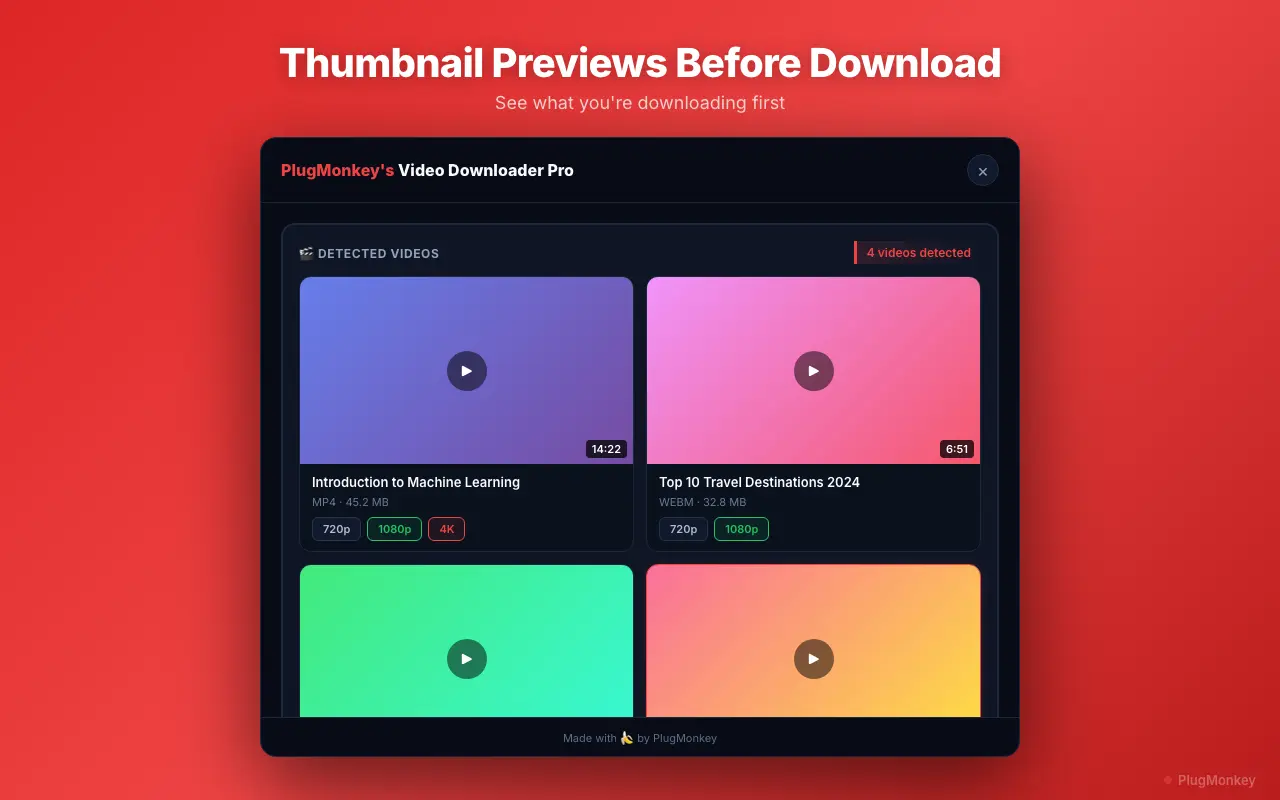
Verify the downloaded MP4 + understand the watermark situation
The MP4 lands in your Downloads folder. Verification checklist:
- Open in QuickTime, VLC, or your default video player — confirm video + audio play correctly
- Check audio sync — HLS segment muxing occasionally produces sync issues (rare but possible). If sync is off, re-trigger the download.
- Watermark check: Video Downloader Pro doesn't add watermarks. Whether the downloaded Reel has Facebook's logo overlaid depends on Facebook's serving behavior:
- Most Facebook Reels: NO watermark in the served video (unlike TikTok which adds its own watermark)
- Some Reels (typically creator-program participants): Facebook adds a corner watermark with the creator's username
Common post-download workflows:
- Cross-post to other platforms: the vertical 9:16 aspect ratio works directly on TikTok, IG Reels, YouTube Shorts
- Edit in CapCut, Final Cut, Premiere: import the MP4 like any standard video file
- Compile swipe files: for marketers analyzing trends, save Reels organized by niche/style for reference
Legal and ethical use guidance
Downloading Facebook Reels for personal use sits in different legal categories depending on what you do with the content:
- Always OK: downloading YOUR OWN Reels (you created them) — full rights
- Generally OK: downloading public Reels for personal offline viewing — typically fair use in most jurisdictions
- OK with attribution: using a clip for commentary/criticism/news reporting under fair use, with proper credit to the original creator
- NOT OK without permission: reposting someone else's Reel as your own content on any platform, using in commercial work, removing creator attribution
- NOT OK regardless: using the downloaded content to harass, threaten, or defame the creator or subjects
Facebook's Terms of Service technically prohibit downloading content via methods not provided by Facebook (i.e., the absence of a download button). This is widely violated for personal-archival use cases but is the technical TOS position. For commercial use, always get explicit permission from the original creator.
Supported Formats
- MP4 (H.264 video + AAC audio) — universal format, plays everywhere
- Resolutions: 360p, 480p, 720p, 1080p (depending on source upload)
- Audio-only extraction (M4A) — for audio analysis or sound-only use cases
Limitations
- Facebook Reels behind privacy settings (friends-only, custom audience) require you to be logged in with access — the extension uses your existing session, not credentials
- Some creator-program Reels may have a Facebook-added watermark with the creator's username — this is present in the served video, not added by the extension
- Live Reels (rare — Facebook's mostly testing this) require staying joined for the duration you want to capture
- Facebook's Terms of Service prohibit downloading content via methods not provided by Facebook — for personal archive use case this is widely tolerated but technically against TOS
- Reels using copyrighted music (via Facebook's licensed music library) may have music rights implications if redistributed — personal archive use is generally fine
Need More Download Help?
Ask AI for additional tips on downloading Facebook Reels content.
AI responses are generated independently and may vary
Frequently Asked Questions
Save Facebook Reels as MP4 — original quality, ready to repost
Install Video Downloader Pro free. Detects the HLS stream Facebook serves and muxes it into a clean MP4 — 1080p when available, no extension watermark, ready for cross-platform reposting or archive.