How to Find & Remove Ghost Followers on Instagram
Ghost followers are accounts that follow you but never like, comment, or view your content. They drag down your engagement rate and hurt algorithmic reach. Find them and clean them out.
Before You Start
- Google Chrome browser (desktop)
- An Instagram account (logged in via web browser)
- Unfollow Pro for Instagram installed from the Chrome Web Store
Install Unfollow Pro for Instagram
Understand what ghost followers are and why they matter
Navigate to your Instagram profile and open the panel
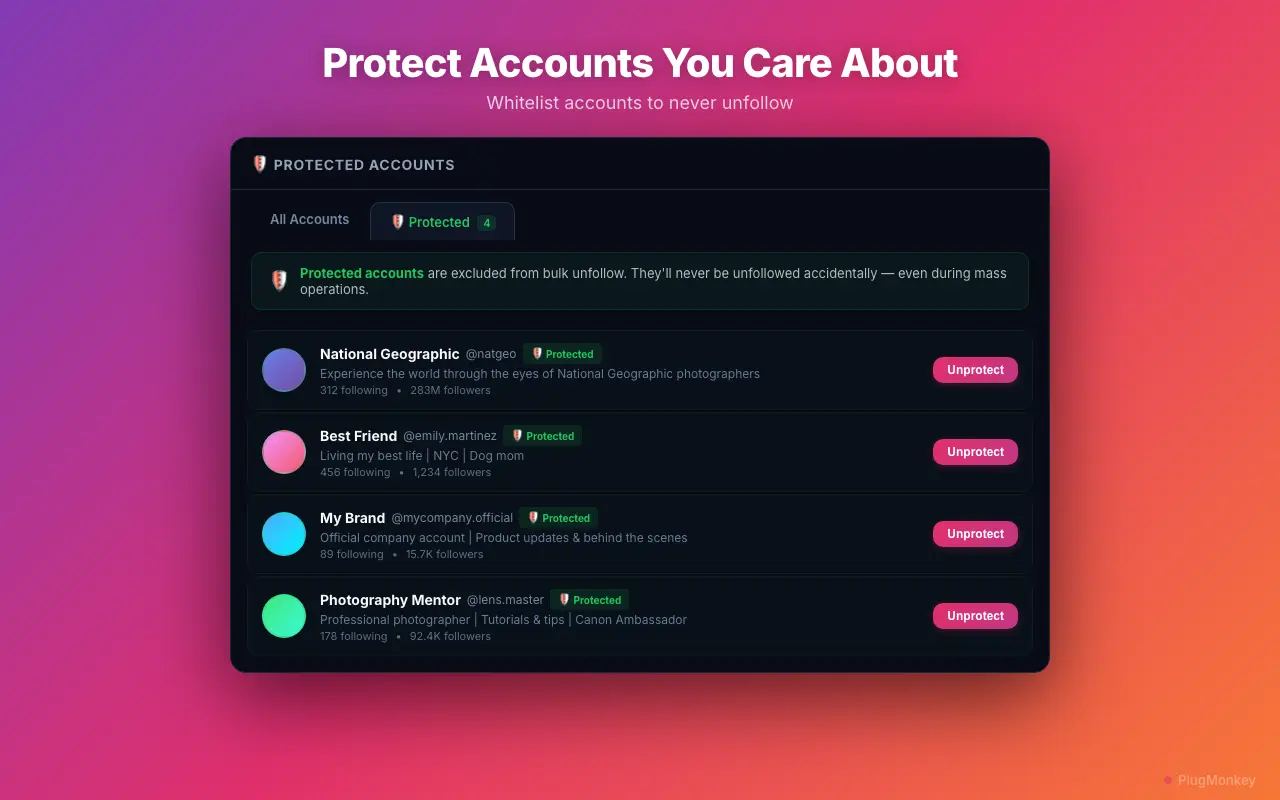
Use filters to identify likely ghost followers
The strongest ghost follower signal is: zero posts + high following count + no bio. These accounts are either abandoned or bots that were created to inflate follower counts. They will never engage with your content.
Review the flagged accounts carefully
Removing followers is different from unfollowing. When you remove a follower, they stop following you — your content no longer appears in their feed. This action is more impactful than unfollowing, so review carefully. The person is not notified, but they will no longer see your posts.
Remove confirmed ghost followers in batches
Start with a small batch (20-30 accounts) of the most obvious ghost followers — accounts with zero posts, no bio, and no profile picture. Monitor your engagement rate over the next 48 hours. If you see improvement (you should), continue with larger batches in subsequent sessions.
Track the impact on your engagement rate
Summary
You have identified and removed ghost followers that were dragging down your Instagram engagement rate. Ghost followers are dead weight — they inflate your follower count without contributing any engagement, which hurts your content's algorithmic reach. After cleanup, expect to see your engagement rate increase within 1-2 weeks as Instagram's algorithm recognizes the improved engagement signals. Run this audit quarterly to catch new ghost followers as they accumulate. Remember to be conservative in your assessment — it is better to keep a few ghost followers than to remove a real person who might engage in the future. The goal is to clean out obvious bots, abandoned accounts, and mass-follow/mass-unfollow spam accounts.
Need More Help?
Get personalized AI assistance with additional tips and troubleshooting.
AI responses are generated independently and may vary
Frequently Asked Questions
Boost Your Engagement Rate by Removing Ghost Followers
Unfollow Pro for Instagram identifies ghost and bot followers that drag down your engagement. Clean up safely with rate-limited removal.