How to Detect & Remove Bot Accounts on Twitter/X
Spot the telltale signs of bot and spam accounts in your following list. Use smart filters to identify suspicious profiles and remove them in bulk — keeping your feed authentic and relevant.
By PlugMonkey Team, Editorial
Before You Start
- Google Chrome browser (desktop)
- An X (Twitter) account
- Unfollow Pro for X installed from the Chrome Web Store
Install Unfollow Pro for X from the Chrome Web Store
Navigate to your Following list on X
Open Unfollow Pro for X and apply bot detection filters
The strongest bot signal is a combination of: default profile picture + zero or near-zero tweets + high following count. Legitimate accounts almost always have at least a custom avatar and some activity.
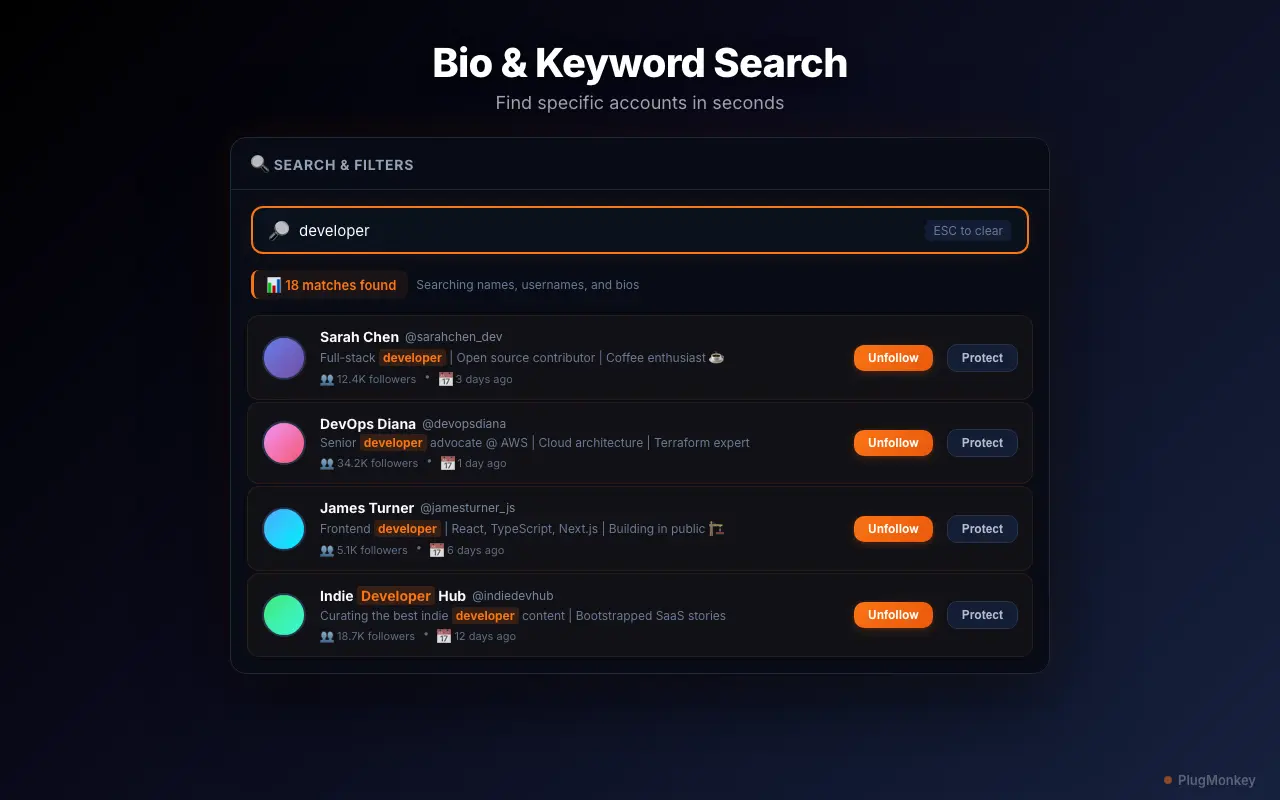
Review flagged accounts for bot characteristics
Not every account matching bot criteria is actually a bot. Some real users have default profile pictures or low follower counts. When in doubt, click through to the profile to check their tweet history before unfollowing.
Whitelist legitimate accounts that match bot filters
If you recognize an account name or remember why you followed them, whitelist them. It is better to keep a few possible bots than to accidentally unfollow someone you actually want to follow.
Bulk unfollow confirmed bot accounts
Bulk Unfollow is a PRO feature. Free users can manually unfollow up to 10 accounts per week. Upgrade at plugmonkey.xyz/pricing/x-unfollow-pro/ for unlimited bulk operations.
Summary
You have successfully identified and removed bot accounts from your Twitter/X following list. Cleaning out bots improves your timeline quality, reduces noise, and gives you a more accurate picture of your real audience. For ongoing maintenance, run the bot detection filters once a month — new bot accounts follow people constantly, so periodic cleanup keeps your list clean. Combine bot removal with the inactivity filter for a comprehensive following list audit. Unfollow Pro for X's rate-limit-safe pacing ensures your account stays protected throughout the process.
Need More Help?
Get personalized AI assistance with additional tips and troubleshooting.
AI responses are generated independently and may vary
Frequently Asked Questions
Clean Bots Out of Your Twitter/X Feed
Unfollow Pro for X helps you spot bot accounts with smart filters and remove them in bulk. Free to install, no API keys required.