How to Download Twitter/X Videos in High Quality
Save any video from Twitter/X directly from your browser — no copy-pasting URLs into sketchy third-party websites. Get the highest available quality (up to 1080p) with no watermarks added.
Before You Start
- Google Chrome browser (desktop)
- Video Downloader Pro installed from the Chrome Web Store
- A Twitter/X account (logged in)
Install Video Downloader Pro
Find the tweet with the video you want to download
For the best quality detection, click on the tweet to open it fully rather than watching from the timeline preview. The full tweet view often loads higher quality streams that are not available in the compact timeline view.
Click the Video Downloader Pro icon
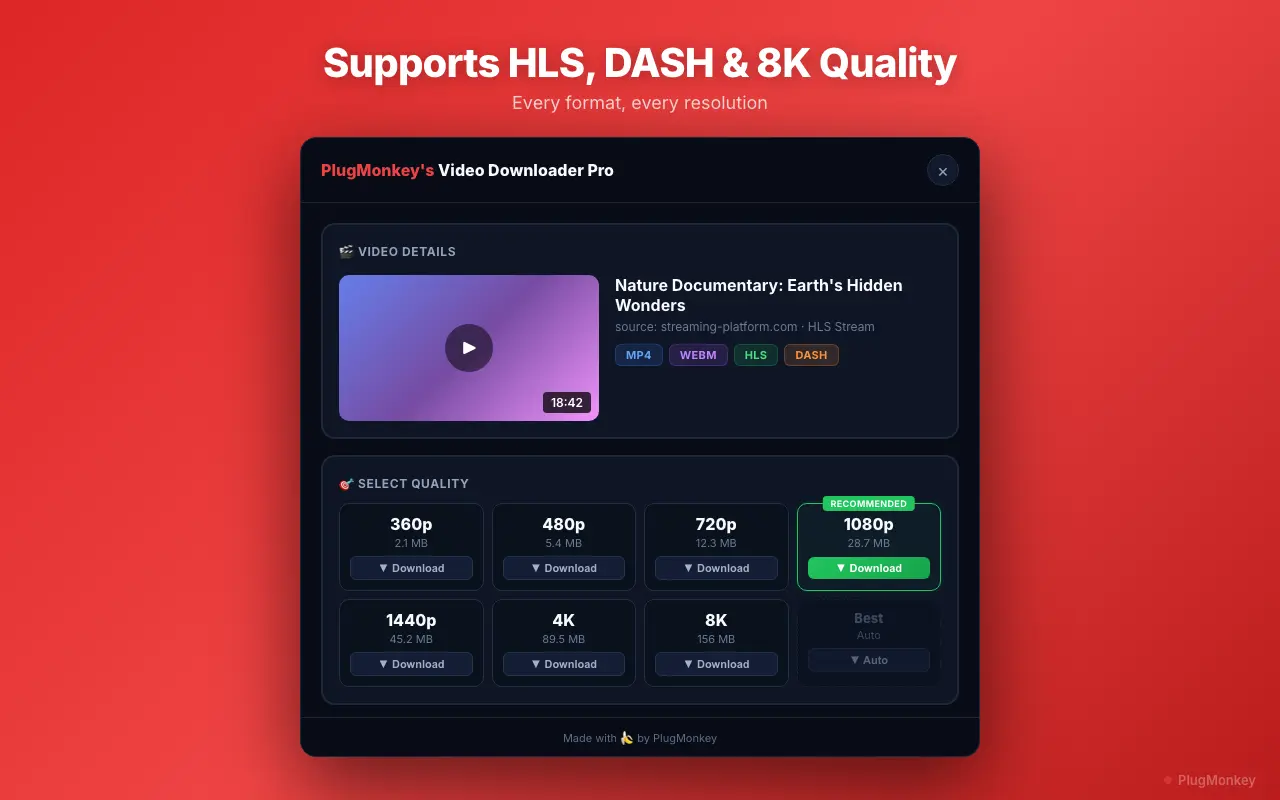
Select quality and download the video
Download videos from Twitter/X GIFs and multi-video tweets
Twitter 'GIFs' are technically MP4 videos without sound. They download as MP4 files and can be converted to actual GIF format using free online tools if needed for use on platforms that require the GIF format.
Summary
You can now download any video from Twitter/X in the highest available quality directly from your browser. Video Downloader Pro detects videos automatically, offers multiple quality options, and saves clean MP4 files with no watermarks. This works for regular video tweets, GIF tweets, multi-video tweets, and even video replies. The entire process takes seconds and never requires you to copy URLs into external websites or deal with ads. Keep the extension installed and it will detect downloadable videos on Twitter/X (and every other website) automatically.
Need More Help?
Get personalized AI assistance with additional tips and troubleshooting.
AI responses are generated independently and may vary
Frequently Asked Questions
Save Any Twitter/X Video in Seconds
Video Downloader Pro detects and downloads Twitter/X videos in full HD quality. No watermarks, no external sites. Free to install.