How to Download Instagram Reels & Stories
Save Instagram Reels and Stories directly from your browser in high quality. No watermarks, no sketchy third-party apps, and no need to copy-paste URLs. Just click and download.
By PlugMonkey Team, Editorial
Before You Start
- Google Chrome browser (desktop)
- Video Downloader Pro installed from the Chrome Web Store
- An Instagram account (logged in via web browser)
Install Video Downloader Pro
Open Instagram in your browser and find the Reel or Story
For Stories, you need to view them before they expire (24 hours). Once a Story disappears from Instagram, it cannot be downloaded. If you know someone posts Stories you want to save, check regularly or enable notifications for their account.
Click the Video Downloader Pro icon to see detected videos
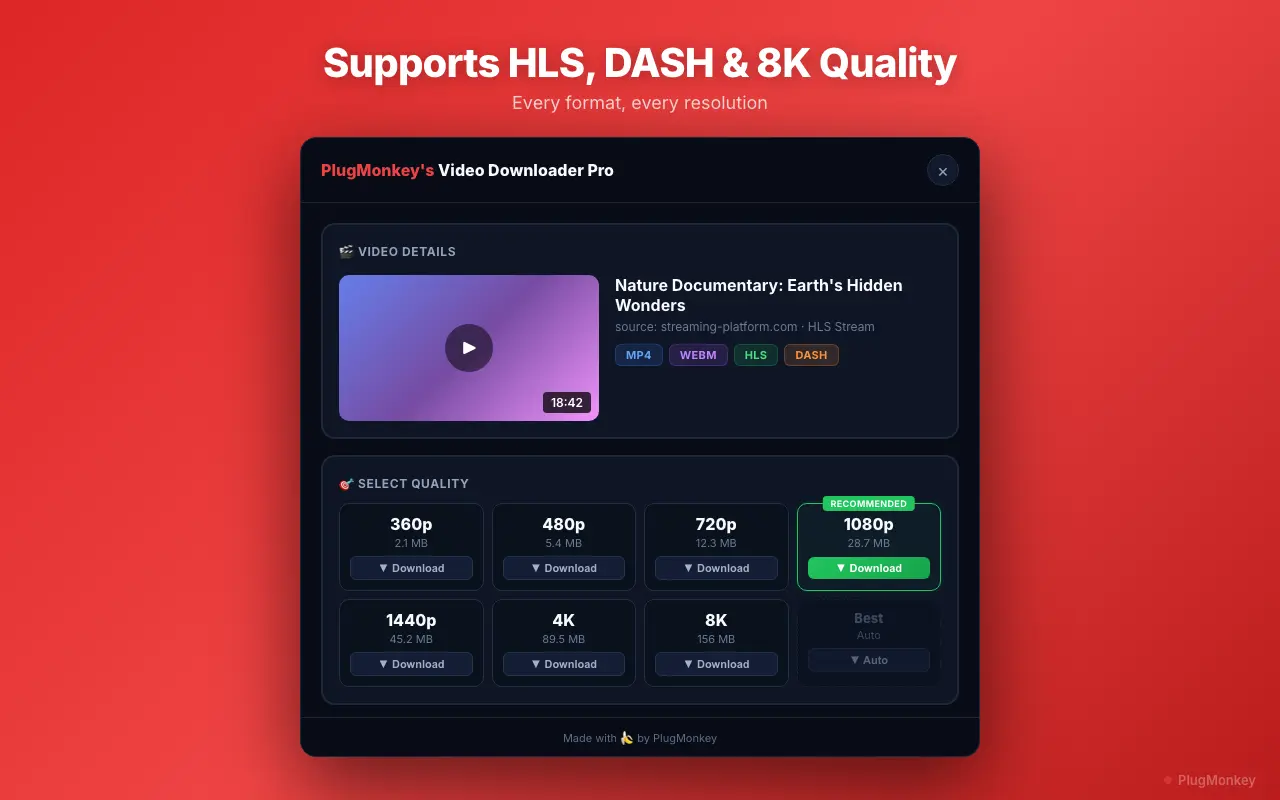
Download the video in your preferred quality
Download multiple Reels from a profile
If you are downloading several Reels from the same creator, open each Reel in a new tab to batch them. Then go through each tab and download. This is faster than opening, downloading, going back, and repeating.
Summary
You can now download Instagram Reels and Stories directly from your Chrome browser in high quality. Video Downloader Pro handles the detection and download automatically — no need to copy URLs into third-party websites or install separate mobile apps. The downloaded files are standard MP4 videos with no watermarks, ready to use however you need. Remember that Stories expire after 24 hours, so download them promptly. For Reels, they remain available on the creator's profile indefinitely (unless deleted). Always respect content creators' rights when saving and using their content.
Need More Help?
Get personalized AI assistance with additional tips and troubleshooting.
AI responses are generated independently and may vary
Frequently Asked Questions
Save Instagram Reels & Stories Instantly
Video Downloader Pro detects and downloads Instagram video content in high quality. No watermarks, no external apps. Free to install.