Updated Feb 2026

How to Use AI to Summarize Long Articles Instantly

Stop spending 15 minutes reading articles you can digest in 15 seconds. Select any text on any webpage, click one button, and get a concise summary with key takeaways — all without leaving the page.

Beginner
2 minutes
6 steps

Before You Start

  • Google Chrome browser (desktop)
  • Prompt Anything Pro installed from the Chrome Web Store
  • An API key from OpenAI, Anthropic, or Google configured in the extension
1

Install Prompt Anything Pro and configure your API key

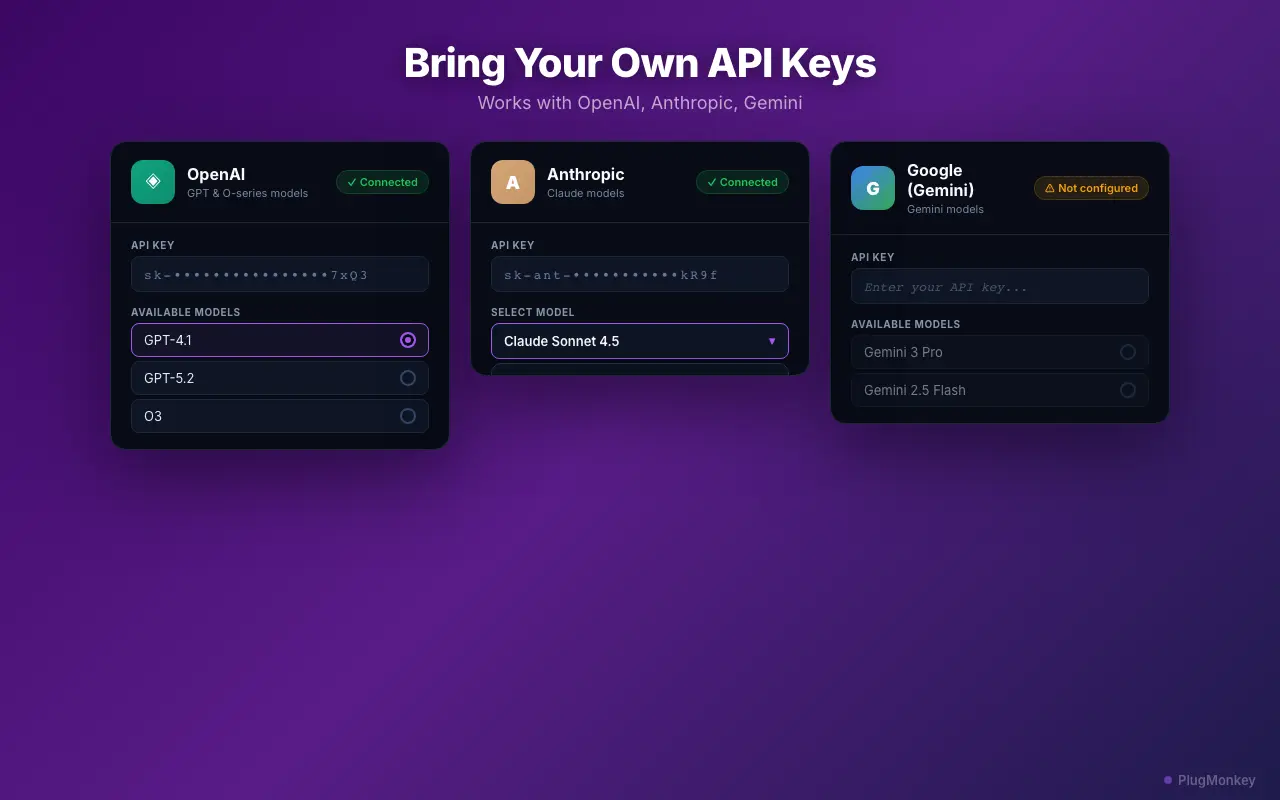
If you have not already, install Prompt Anything Pro from the Chrome Web Store and add your API key in Settings. See our BYOK setup guide for detailed instructions. Once configured, you are ready to summarize any content on the web.
2

Navigate to the article you want to summarize

Open the article, blog post, research paper, documentation page, or any long-form content you want to summarize. This works on any website — news sites, Medium articles, academic papers, technical documentation, legal documents, email newsletters, and more. If you can see the text in your browser, you can summarize it.
3

Select the text you want to summarize

Click and drag to highlight the text you want to summarize. You can select a few paragraphs, an entire section, or use Ctrl+A (Cmd+A on Mac) to select all visible text on the page. For best results, select the article body text and exclude navigation menus, sidebars, and footer content. The more focused your selection, the more relevant the summary will be.
Pro Tip

For very long articles (5,000+ words), summarize in sections rather than all at once. Select the introduction and first half, summarize it, then do the second half. This gives you more detailed summaries than trying to compress the entire article into one summary.
Prompt Anything Pro's in-browser prompt interface for summarizing selected text
4

Click the floating button and choose the "Summarize" template

Click the floating PlugMonkey button that appears near your selection. The prompt modal opens with your selected text pre-loaded. Choose the "Summarize" template from the template categories. This template is optimized to extract key points, main arguments, and conclusions from long-form text. You can also choose "Summarize as Bullet Points" for a structured list format or "ELI5" for a simplified explanation.
5

Review the AI summary and take action

Click "Send" and the AI generates your summary in seconds. The response appears in the modal with key points, main arguments, and a conclusion. From here you can: Copy to clipboard to paste into your notes, Save to library for future reference with automatic tagging, or Send a follow-up prompt asking for more detail on a specific point from the summary. The summary is stored in your local response library, searchable and exportable.
6

Try different summarization approaches

Beyond the basic Summarize template, experiment with other approaches for different needs. Use "Extract Key Facts" for data-heavy articles to pull out statistics, dates, and named entities. Use "Explain Like I Am 5" for technical papers you want simplified. Use "Translate + Summarize" to summarize a foreign-language article into English key points. Write a custom prompt like "List the 3 most actionable insights from this article" for targeted extraction.
Pro Tip

Create a custom template for your most common summarization need. If you read research papers regularly, create a template that extracts methodology, findings, limitations, and practical implications in a structured format.

Summary

You can now summarize any article, document, or long-form content in seconds without leaving the page you are reading. Prompt Anything Pro's Summarize template extracts key points, main arguments, and conclusions with one click. The BYOK approach means each summary costs a fraction of a cent through direct API pricing. Build a habit of summarizing articles before deciding whether to read them fully — the AI summary tells you in 15 seconds whether the article is worth 15 minutes of your time. Save summaries to your local library for building a personal knowledge base that is searchable and exportable.

Need More Help?

Get personalized AI assistance with additional tips and troubleshooting.

AI responses are generated independently and may vary

Frequently Asked Questions

Summarize Any Article in Seconds

Prompt Anything Pro brings AI summarization to every page you visit. Select text, click, get key points. Free to install.