How to Export Twitter Followers to CSV
Turn any public profile's follower or following list into a structured CSV file with 20+ metadata fields. No API keys, no complicated setup — just enter a username and download.
Before You Start
- Google Chrome browser (desktop)
- An X (Twitter) account (logged in)
- Followers Exporter Pro for X installed from the Chrome Web Store
- A spreadsheet application (Excel, Google Sheets, or similar) for viewing the CSV
Install Followers Exporter Pro for X
Navigate to any profile on X (Twitter)
If you visit a profile page directly, the extension auto-fills the username for you. You can also enter any username manually in the extension panel.
Open the exporter panel and enter a username
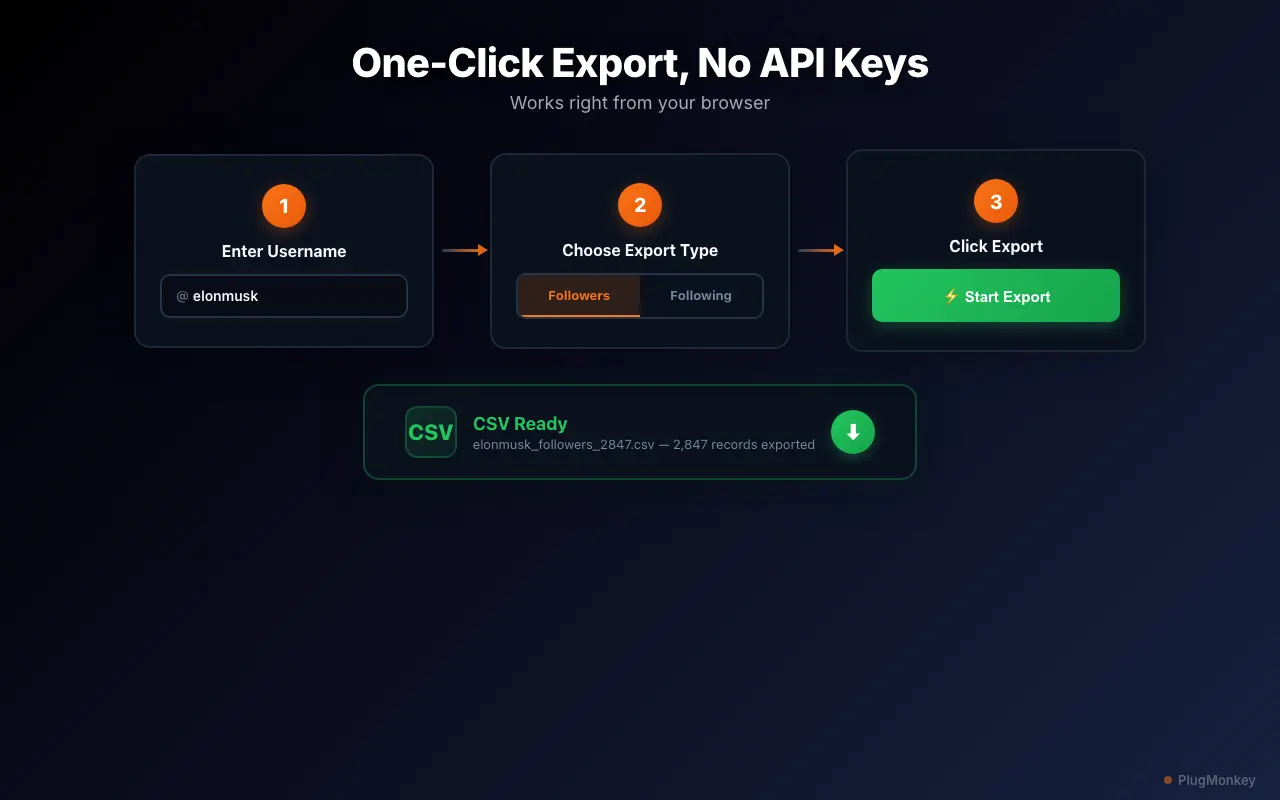
Select Followers or Following and start the export
Free users can export up to 250 records per download and 3 downloads per week. PRO users have unlimited exports with no record cap — even for accounts with 100K+ followers.
Review the data in the paginated table view
The table view is useful for quick analysis. You can spot patterns — like which followers are verified, which have the most followers themselves, or which are located in specific regions — before even opening a spreadsheet.
Download the CSV file
Open and analyze the CSV in your spreadsheet application
In Google Sheets, use Data > Create a filter to sort followers by follower count (descending) to find the most influential accounts. Or filter by 'Verified = TRUE' to see only verified followers.
Summary
You have successfully exported a Twitter/X follower or following list to a structured CSV file with 20+ metadata fields per account. This data is invaluable for audience analysis, competitor research, influencer identification, and CRM integration. The export process works on any public profile — not just your own — making it a powerful tool for marketing and research teams. Run exports periodically to track audience growth over time by comparing CSV snapshots. Followers Exporter Pro for X handles all rate limiting automatically, so large exports (even 100K+ records) complete safely.
Need More Help?
Get personalized AI assistance with additional tips and troubleshooting.
AI responses are generated independently and may vary
Frequently Asked Questions
Export Any Twitter Audience in One Click
Followers Exporter Pro for X turns any public follower list into a structured CSV with 20+ data fields. Free to install.