How to Compare Two Twitter/X Follower Lists
Export followers from two accounts, import both CSVs into a spreadsheet, and use simple matching formulas to find overlapping followers, unique audiences, and competitive insights.
Before You Start
- Google Chrome browser (desktop)
- An X (Twitter) account (logged in)
- Followers Exporter Pro for X installed from the Chrome Web Store
- A spreadsheet application (Excel, Google Sheets, or similar)
- Two X accounts whose followers you want to compare (public profiles)
Export followers from Account A
Export followers from Account B
If both accounts have large follower lists (50K+), run the exports in separate browser tabs one at a time. The extension handles rate limiting per tab, but sequential exports are more reliable for very large lists.
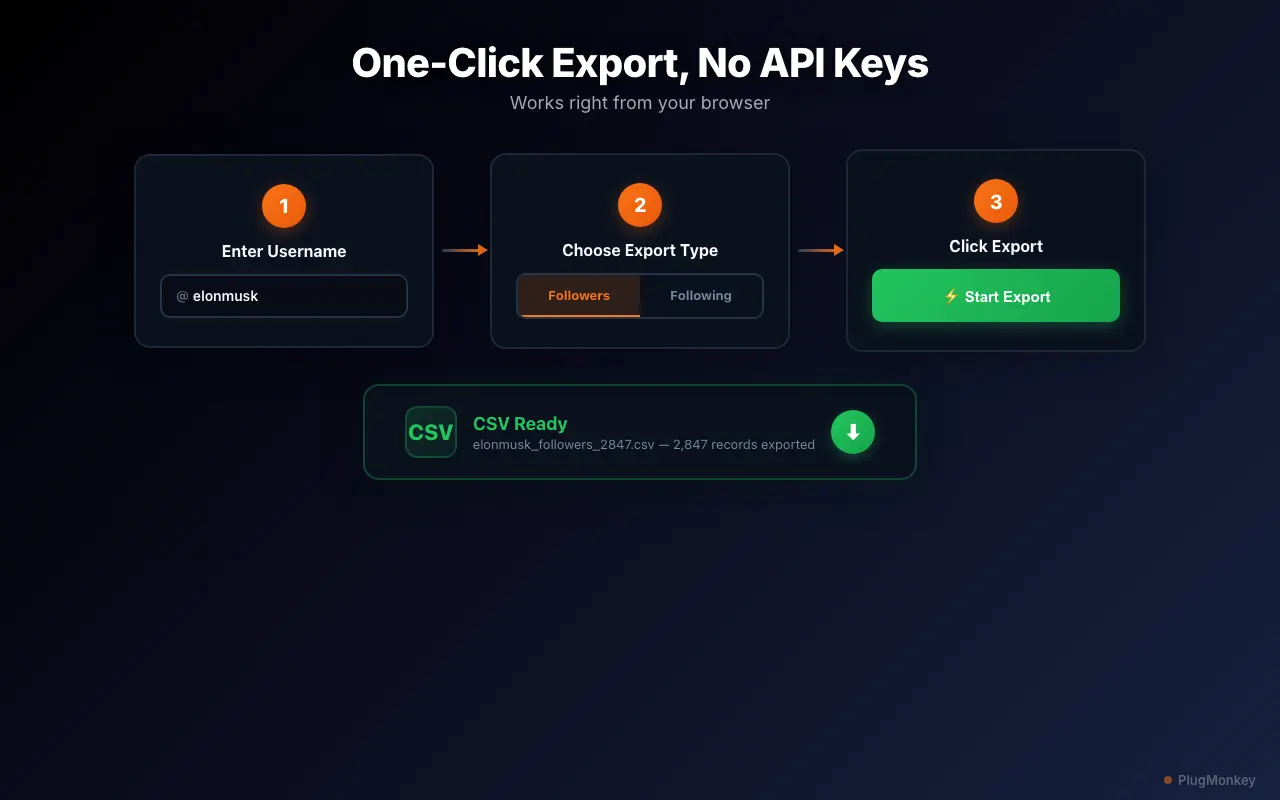
Import both CSVs into separate sheets in one spreadsheet
Use VLOOKUP to find overlapping followers
In Google Sheets, you can also use COUNTIF for a simpler approach: =COUNTIF('Account B'!A:A,A2). This returns 1 for overlap and 0 for unique. Both methods work — VLOOKUP gives you a readable label, COUNTIF gives you a sortable number.
Analyze the overlap and unique segments
Extract actionable insights from the comparison
Summary
You have compared two Twitter/X follower lists and identified overlapping followers, unique audiences, and the overlap percentage. This technique works for competitor analysis (how much audience do you share?), partnership evaluation (will a collaboration reach new people?), and content strategy (what attracts followers you do not have yet?). The entire process uses standard spreadsheet formulas on exported CSV data — no expensive analytics platforms required. Re-run this comparison quarterly to track how audience overlap shifts over time, especially after campaigns or collaborations.
Need More Help?
Get personalized AI assistance with additional tips and troubleshooting.
AI responses are generated independently and may vary
Frequently Asked Questions
Compare Any Two Follower Lists in Minutes
Followers Exporter Pro for X exports complete follower data from any public account. Export, compare, and discover audience insights. Free to install.