FAQ
Why Can't I Download YouTube Videos with Video Downloader Pro?
Quick Answer
Video Downloader Pro cannot download YouTube videos because the Chrome Web Store program policies explicitly prohibit YouTube downloading in any extension distributed through the store. This rule applies to every video-downloader extension, not just Video Downloader Pro — and YouTube's Terms of Service section 5.B independently forbids downloads unless YouTube itself provides a download button. The extension's icon stays inactive on youtube.com by design.
- Chrome Web Store program policies explicitly prohibit YouTube downloading in any extension — this applies to every video downloader in the store, not just Video Downloader Pro.
- YouTube's Terms of Service Section 5.B independently prohibits downloads unless YouTube itself provides a download link or button.
- On youtube.com pages, the extension icon stays inactive (grayed out) by design. There is no setting, toggle, or workaround.
- Video Downloader Pro works on most non-YouTube video sources: Twitter/X, Reddit, Vimeo, Instagram, TikTok, Facebook, Loom, Wistia, news outlets, course platforms, and any site serving HTML5 video / HLS / DASH.
By PlugMonkey Team, Editorial
“You shall not download any Content unless you see a "download" or similar link displayed by YouTube on the Service for that Content.”
Chrome Web Store Policy Prohibits YouTube Downloads
Google's Chrome Web Store has an explicit policy that prohibits extensions from downloading YouTube videos. This policy applies to all video downloader extensions in the Chrome Web Store, not just Video Downloader Pro. Any extension that enables YouTube video downloads will be rejected during review or removed from the store. Since Video Downloader Pro is distributed through the Chrome Web Store (which ensures security reviews, automatic updates, and user trust), we comply with this policy.
YouTube's Terms of Service
Beyond Chrome Web Store policy, YouTube's own Terms of Service explicitly prohibit downloading videos unless a download button or link is provided by YouTube itself. Section 5.B of YouTube's Terms states that users may not "download any Content unless you see a 'download' or similar link displayed by YouTube on the Service." YouTube Premium subscribers get offline viewing within the YouTube app, but that uses encrypted streams — not downloadable files.
What Happens If You Try YouTube
If you navigate to YouTube with Video Downloader Pro installed, the extension will not detect any downloadable videos on the page. The extension's icon will remain inactive (grayed out) on YouTube pages. This is by design — the extension includes a blocklist of domains where video detection is disabled to comply with platform policies. There is no workaround, setting, or hidden toggle to enable YouTube downloads within the extension.
Which Sites ARE Supported?
Video Downloader Pro works on thousands of websites outside of YouTube. It detects video streams on virtually any website that serves video content through standard web protocols (MP4, WebM, HLS, DASH). Here are some popular categories and examples of supported sites.
- Social media — Twitter/X, Facebook, Instagram (public posts), Reddit, Tumblr
- News and media — CNN, BBC, Reuters, and most major news outlets with embedded video
- Educational platforms — Coursera, Khan Academy, and many university course sites
- Entertainment — Dailymotion, Vimeo (where permitted), Twitch clips, and thousands more
- Business and marketing — Loom, Wistia, Vidyard, and other video hosting platforms
- Any website with standard HTML5 video, MP4 files, or HLS/DASH streams
How Video Detection Works on Supported Sites
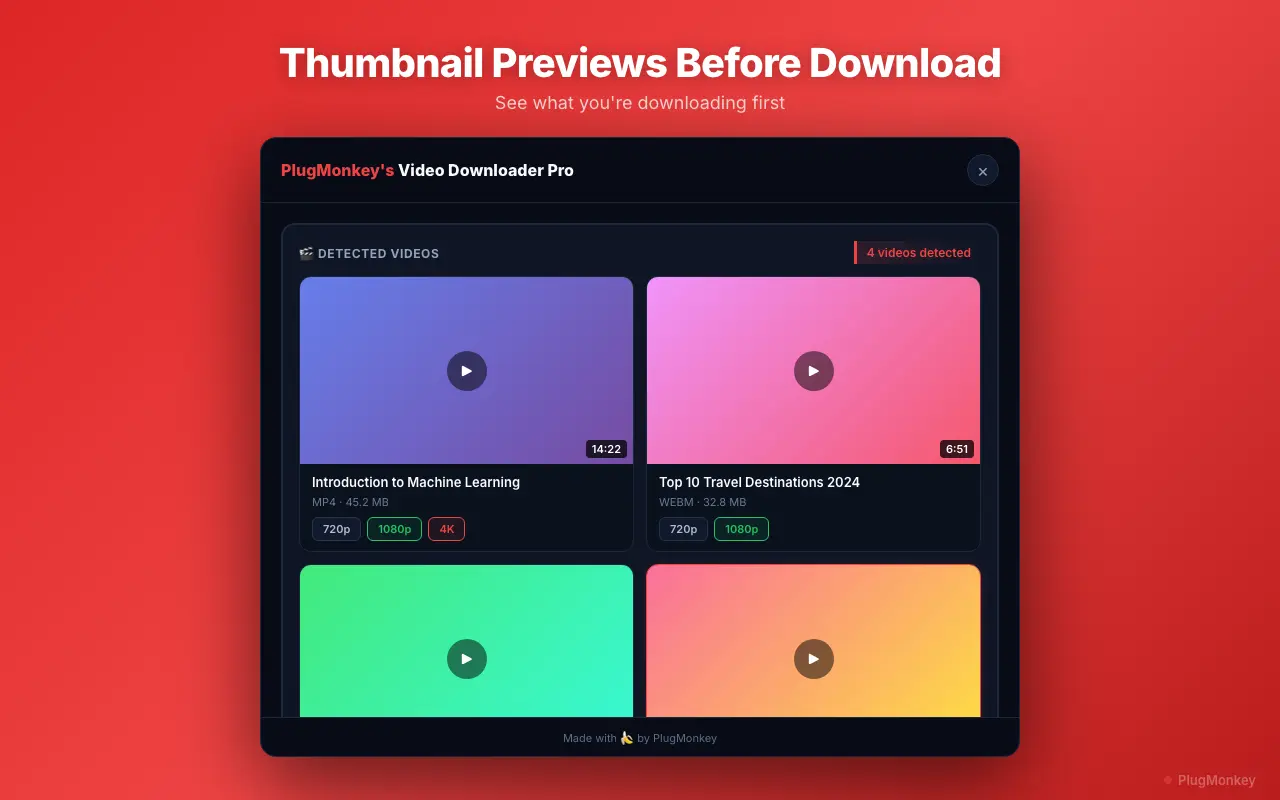
On supported sites, Video Downloader Pro monitors network requests from the page and identifies video streams in real time. When a video is detected, the extension icon lights up with a badge showing the number of available videos. Click the icon to see available formats and resolutions, then download with one click. The detection works automatically — you do not need to configure anything or specify which sites to scan.
Alternatives for YouTube Downloads
If you specifically need YouTube downloads, your options are limited to tools outside the Chrome Web Store ecosystem. Desktop applications like yt-dlp (open source, command line) or 4K Video Downloader operate outside of Chrome's policy restrictions. YouTube Premium also provides official offline viewing within the YouTube app. We cannot recommend or endorse any method that violates YouTube's Terms of Service, but these are the commonly discussed alternatives in the space.
Want a Second Opinion?
Ask AI for an independent perspective on this question.
AI responses are generated independently and may vary
Sources & Further Reading
- YouTube Terms of Service — Section 'Permissions and Restrictions' that prohibits downloading — YouTube / Google (accessed May 22, 2026)
- Chrome Web Store Developer Program Policies — the binding rules every published extension follows — Google / Chrome for Developers (accessed May 22, 2026)
Try Video Downloader Pro Free
Download videos from thousands of supported websites. Install Video Downloader Pro free — no credit card required.
4.9/5 (127 reviews)32,410 users