How to Save and Organize Articles with ReadMonkey Pro in 2026
Capture any web page with one click, organize your reading list with custom tags, and build a searchable library synced across your Chrome browsers — no PlugMonkey accounts, no external servers, no tracking.
Before You Start
- Google Chrome browser (desktop)
- ReadMonkey Pro installed from the Chrome Web Store
Install ReadMonkey Pro from the Chrome Web Store
Pinning the extension to your toolbar gives you one-click access to save any page you are reading. You can also right-click on any page to save it from the context menu.
Save your first article
Open your side panel library
The side panel stays open as you browse the web, so you can save articles and immediately see them appear in your library without switching tabs.
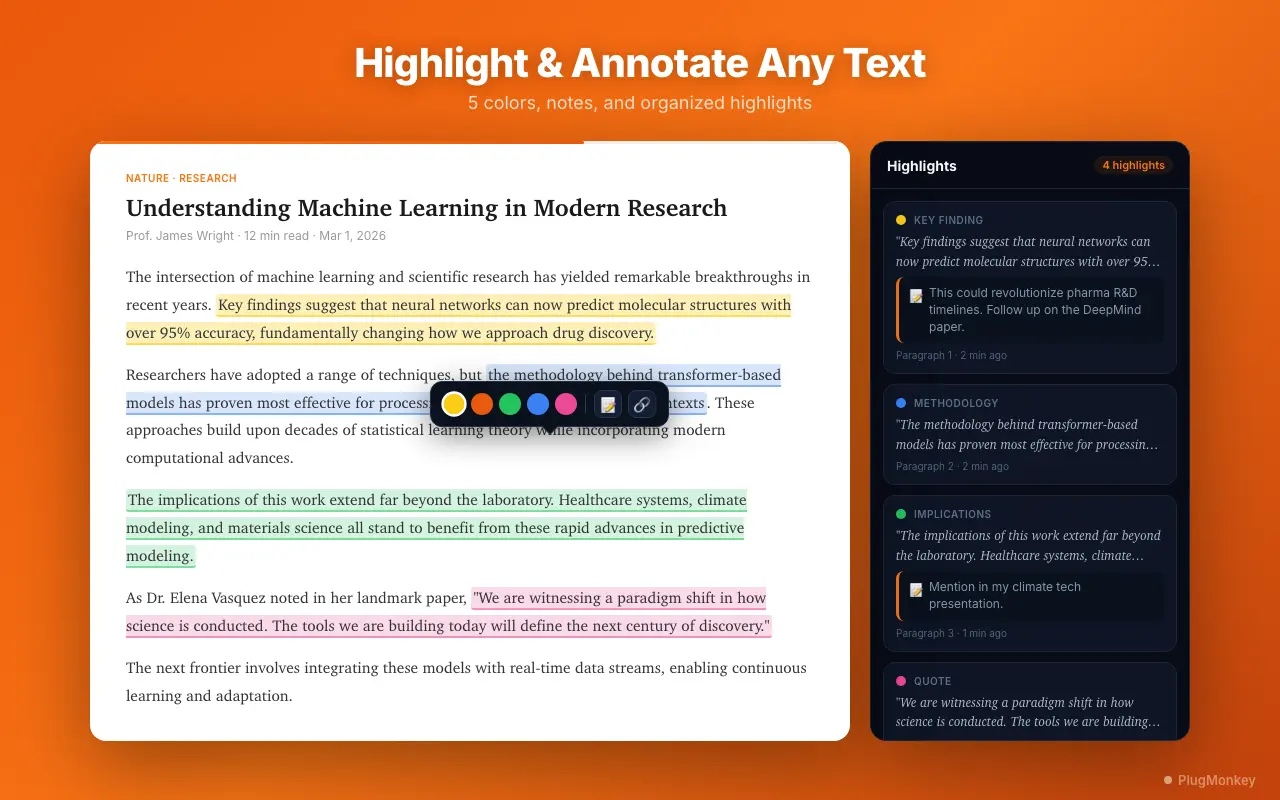
Add tags to organize your articles
Search and filter your library
Set up a reading workflow
Try the "daily save, weekly read" pattern: save articles throughout the week without reading them, then set aside 30-60 minutes on the weekend to read through your queue in the distraction-free reader. This prevents context-switching during your workday.
Summary
You now have a complete article-saving and organization workflow with ReadMonkey Pro. Articles are captured in one click from the toolbar, context menu, or popup and stored in Chrome's built-in storage, synced across your browsers via Chrome Sync. Tags let you categorize articles by topic, project, or priority, while search and filters help you find exactly what you need — even across hundreds of saved articles with Pro's full-text search. The side panel keeps your library accessible without leaving your current tab, and the distraction-free reader transforms any article into a focused reading experience. Start small with a few saves per day, and you will quickly build a well-organized personal reading library.
Need More Help?
Get personalized AI assistance with additional tips and troubleshooting.
AI responses are generated independently and may vary
Frequently Asked Questions
Start Building Your Reading Library
ReadMonkey Pro saves articles in one click, organizes with tags, syncs across your Chrome browsers, and keeps everything private. Free to install.