How to Export Your Instagram Following List to Spreadsheet
Download a complete list of every account you follow on Instagram — with usernames, bios, follower counts, and metadata — as a CSV file you can open in any spreadsheet app.
Before You Start
- Google Chrome browser (desktop)
- An Instagram account (logged in via web browser)
- Followers Exporter Pro for Instagram installed from the Chrome Web Store
Install Followers Exporter Pro for Instagram
Go to your Instagram profile and open the exporter
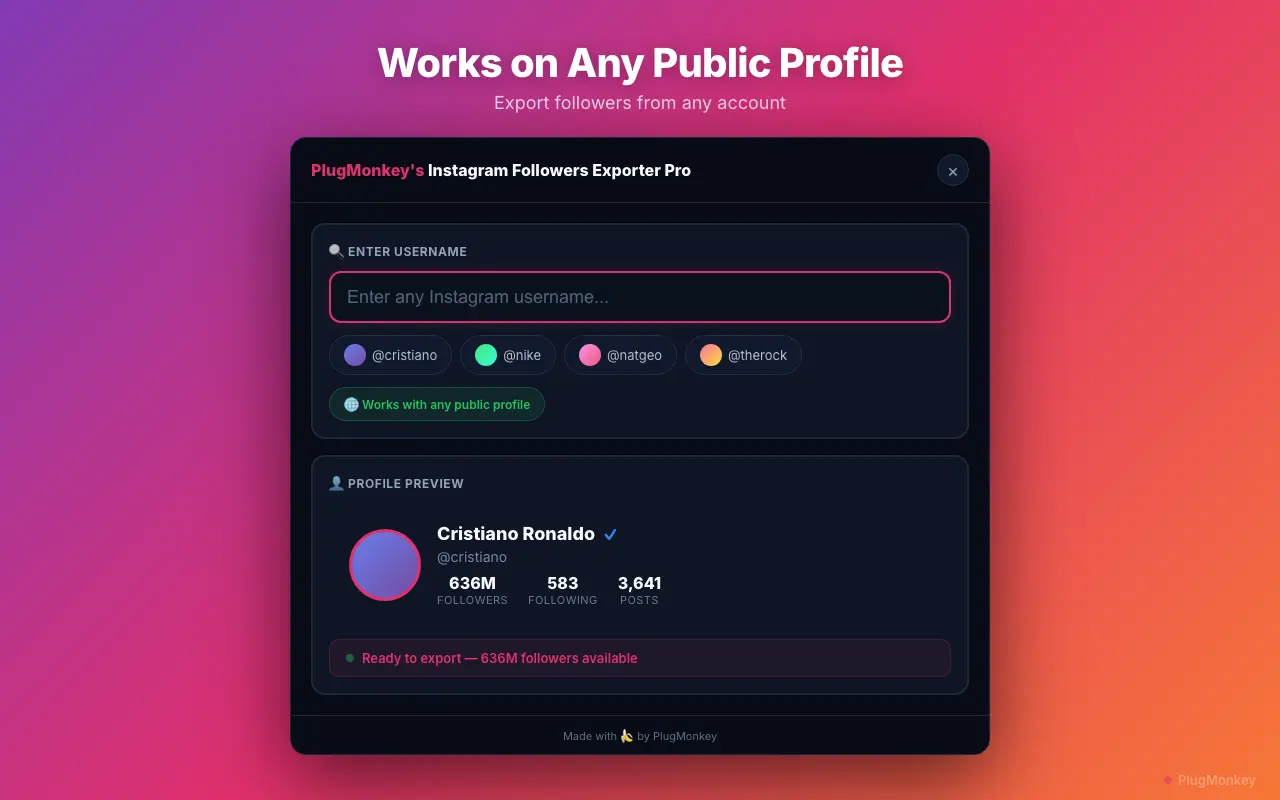
Select "Following" and start the export
The Following export typically runs faster than a Followers export because most users follow fewer accounts than follow them. Even following lists of 5,000+ accounts complete in just a few minutes.
Preview the data in the built-in table view
Download the CSV file
Open and work with the data in your spreadsheet
Use this export as a baseline backup of your following list. If you ever accidentally mass-unfollow or lose access to your account, you have a record of everyone you followed. Pair this with Unfollow Pro for Instagram to clean up accounts that no longer align with your interests.
Summary
You have exported your complete Instagram following list to a structured CSV file with metadata fields per account. This data is useful for following list audits, backup purposes, audience research, and integration with other tools. The export works entirely in your browser with no API keys or external services — Followers Exporter Pro for Instagram handles all rate limiting automatically. Run this export periodically (monthly or quarterly) to maintain an up-to-date record of your following list and track changes over time.
Need More Help?
Get personalized AI assistance with additional tips and troubleshooting.
AI responses are generated independently and may vary
Frequently Asked Questions
Export Your Entire Instagram Following List in Minutes
Followers Exporter Pro for Instagram turns your following list into a structured CSV with full metadata. Free to install, no API keys needed.