What Is the LinkedIn Connection Limit?
LinkedIn has two separate limits people confuse. The first is a hard ceiling of 30,000 first-degree connections per account, which applies to every tier including Premium, Sales Navigator, and Recruiter. The second is a rolling weekly cap on how many connection invitations you can send, generally around 100 per 7-day window. Hitting the 30,000 ceiling is permanent until you remove connections; hitting the weekly invite cap simply pauses new invitations until the window rolls forward.
- LinkedIn caps every account at 30,000 first-degree connections. Premium, Sales Navigator, and Recruiter do not raise it.
- Followers are separate and effectively unlimited — only 1st-degree connections count toward the 30,000 ceiling.
- Sending invitations is limited separately, at roughly 100 per rolling 7-day window (less for new accounts, more for well-established ones).
- The only way to clear the 30,000 ceiling is to remove connections. Unfollowing quiets your feed but does not free up a slot.
By PlugMonkey Team, Editorial
The 30,000 Connection Ceiling
- Applies to every tier — Free, Premium, Sales Navigator, and Recruiter all share the same 30,000 ceiling
- Only counts 1st-degree connections — followers are separate and effectively unlimited, which is why creators with large audiences are not affected
- At the cap, new invitations stop working — you cannot accept or send new connection requests until you drop below 30,000
- The only fix is removing connections — there is no way to request an increase
The Weekly Invitation Limit
- Roughly 100 per week is the widely reported baseline across account tiers
- Newer accounts often get less — closer to 50-75 per week until some history is built up
- Well-established accounts can see more — up to around 200 per week
- Acceptance rate matters — lots of ignored or withdrawn invitations tends to reduce your allowance
- It is a rolling window, not a calendar week, so capacity returns gradually rather than resetting on a fixed day
What to Do When You Hit 30,000
- Start with contacts you do not recognize — usually the largest and lowest-risk group
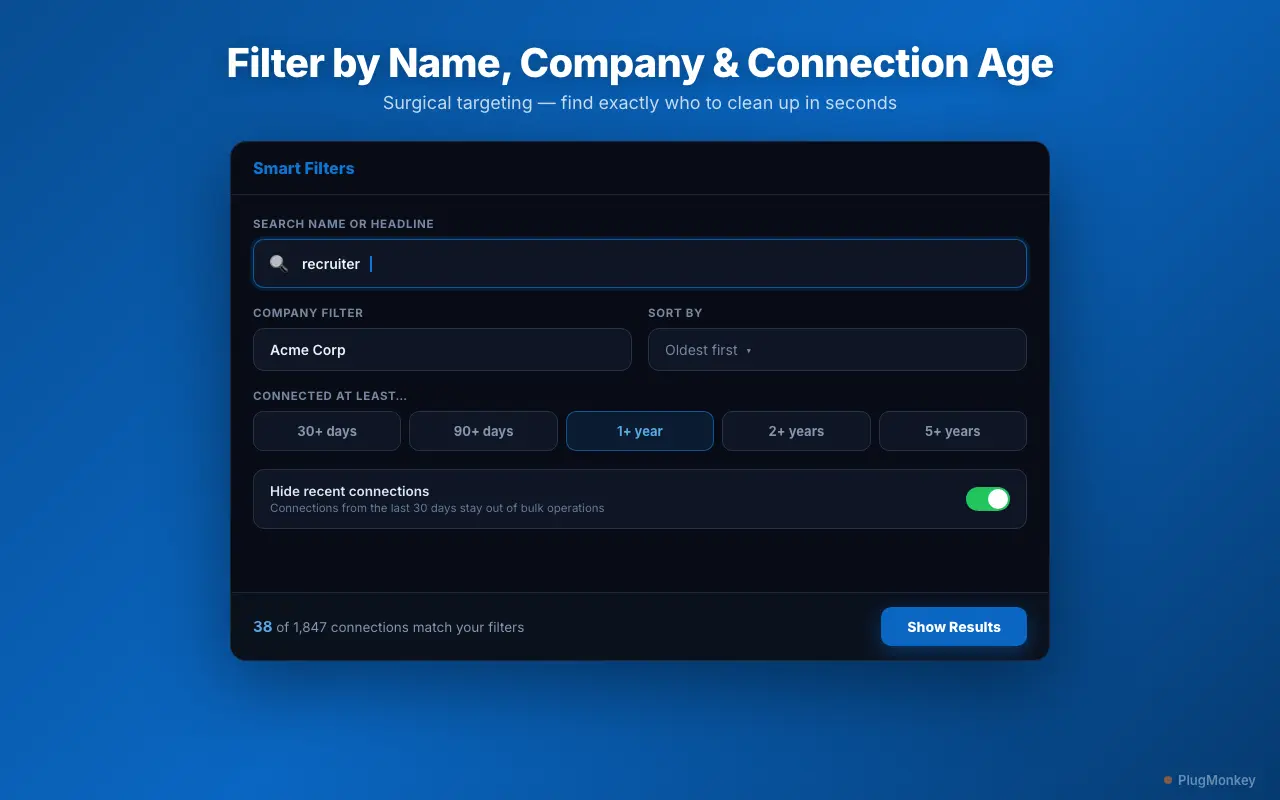
- Filter by company — removing ex-colleagues from an employer you left years ago clears a lot of space quickly
- Filter by connection age — contacts from 3+ years ago you have never interacted with
- Protect the ones that matter first — clients, current colleagues, mentors, and partners should be excluded before any bulk action
- Consider Unfollow instead of Remove where you want a quieter feed but not fewer connections — though note that unfollowing does not free up space against the 30,000 cap
Removing Connections at Scale
Want a Second Opinion?
Ask AI for an independent perspective on this question.
AI responses are generated independently and may vary
Continue Reading
Try Connection Remover Pro for LinkedIn Free
At or near 30,000 connections? Connection Remover Pro for LinkedIn filters by company and connection age, protects your key contacts, and clears space in bulk. Free to install.