How to Set Up Reddit Keyword Monitoring Alerts
Never miss a Reddit conversation that matters. Configure keyword alerts that scan Reddit automatically and notify you when specific terms appear — with intent scoring to separate noise from opportunity.
Before You Start
- Google Chrome browser (desktop)
- Scout Pro for Reddit installed from the Chrome Web Store
- A list of keywords you want to monitor (brand names, topics, competitor names)
Install Scout Pro for Reddit
Open the Scout panel and navigate to keyword settings
Add your monitoring keywords strategically
Use 2-3 word phrases for more precise monitoring. Single words like 'email' or 'design' will generate too many irrelevant matches. Phrases like 'email marketing tool' or 'graphic design app' are much more targeted and produce higher-quality alerts.
Set up subreddit groups for focused monitoring
Configure your scan interval
The 30-minute free scan interval is fine for most monitoring use cases — Reddit conversations develop over hours and days, not seconds. Upgrade to PRO 3-minute scanning only if you need to respond to time-sensitive conversations (customer complaints, competitor discussions, or sales opportunities) within minutes.
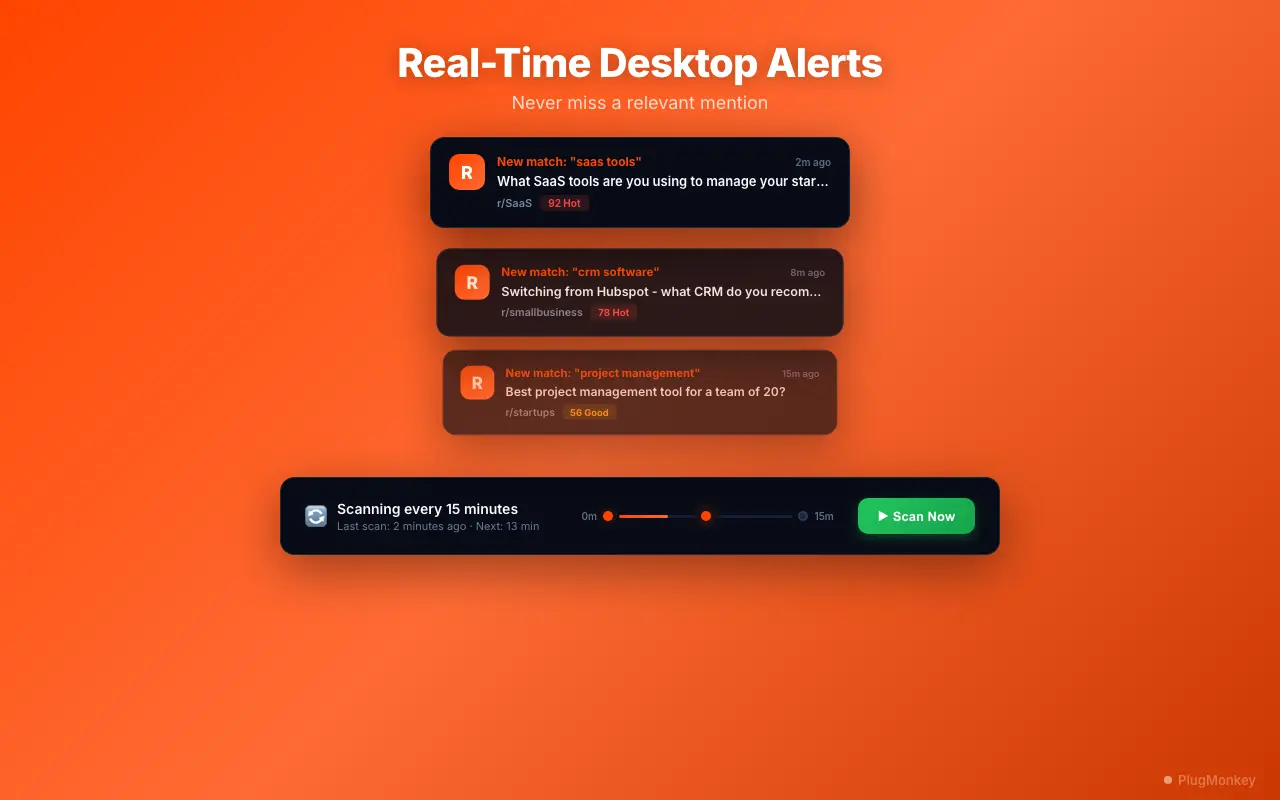
Enable desktop notifications for hot alerts
Desktop notifications require Chrome notification permissions. When prompted, click 'Allow' to enable alerts. You can manage notification permissions later in Chrome Settings > Site Settings > Notifications.
Test your alerts and refine keywords
Check the 'General' category results in your dashboard. If most matches are categorized as General (low intent), your keywords may be too broad. Focus on phrases that indicate intent: questions, requests for help, comparisons, and recommendations. These generate higher-scoring alerts that are worth your attention.
Summary
You have set up automated Reddit keyword monitoring that scans for your terms, scores results by buyer intent, and sends desktop alerts for high-value conversations. The key to effective Reddit monitoring is keyword refinement — start with focused 2-3 word phrases, review results after 24-48 hours, and adjust based on relevance. Use subreddit groups to reduce noise by targeting specific communities. Enable hot alerts (score 50+) for time-sensitive opportunities that require quick responses. Over time, you will build an intuitive sense for which keywords generate the best results for your specific use case. Scout Pro for Reddit runs in the background while you browse, so there is no daily effort required — just respond when alerts tell you something important is happening.
Need More Help?
Get personalized AI assistance with additional tips and troubleshooting.
AI responses are generated independently and may vary
Frequently Asked Questions
Never Miss a Reddit Conversation That Matters
Scout Pro for Reddit scans for your keywords, scores by intent, and alerts you when it counts. Free to install, no API keys needed.