Updated Feb 2026

How to Find Audience Overlap Between Instagram Influencers

Export follower lists from multiple Instagram accounts, import them into a spreadsheet, and identify shared followers. Calculate exact overlap percentages to make smarter collaboration, partnership, and advertising decisions.

Advanced
30 minutes
7 steps

Before You Start

  • Google Chrome browser (desktop)
  • An Instagram account (logged in via web browser)
  • Followers Exporter Pro for Instagram (Pro tier recommended for large exports)
  • A spreadsheet application (Excel or Google Sheets)
  • Two or more public Instagram accounts to compare
1

Export followers from the first Instagram account

Install Followers Exporter Pro for Instagram if you have not already. Navigate to the first Instagram account you want to analyze — this could be your own account, a competitor, or an influencer you are evaluating for a partnership. Click the floating PlugMonkey button, select "Followers," and click "Start." Wait for the export to complete, then click "Download CSV." Name or move the file so you can identify it easily (e.g., "influencer_a_followers.csv").
Pro Tip

For accounts with 50K+ followers, the export may take 10-20 minutes. Pro tier is recommended for large accounts since it removes the 250-record cap on free exports.

2

Export followers from the second Instagram account
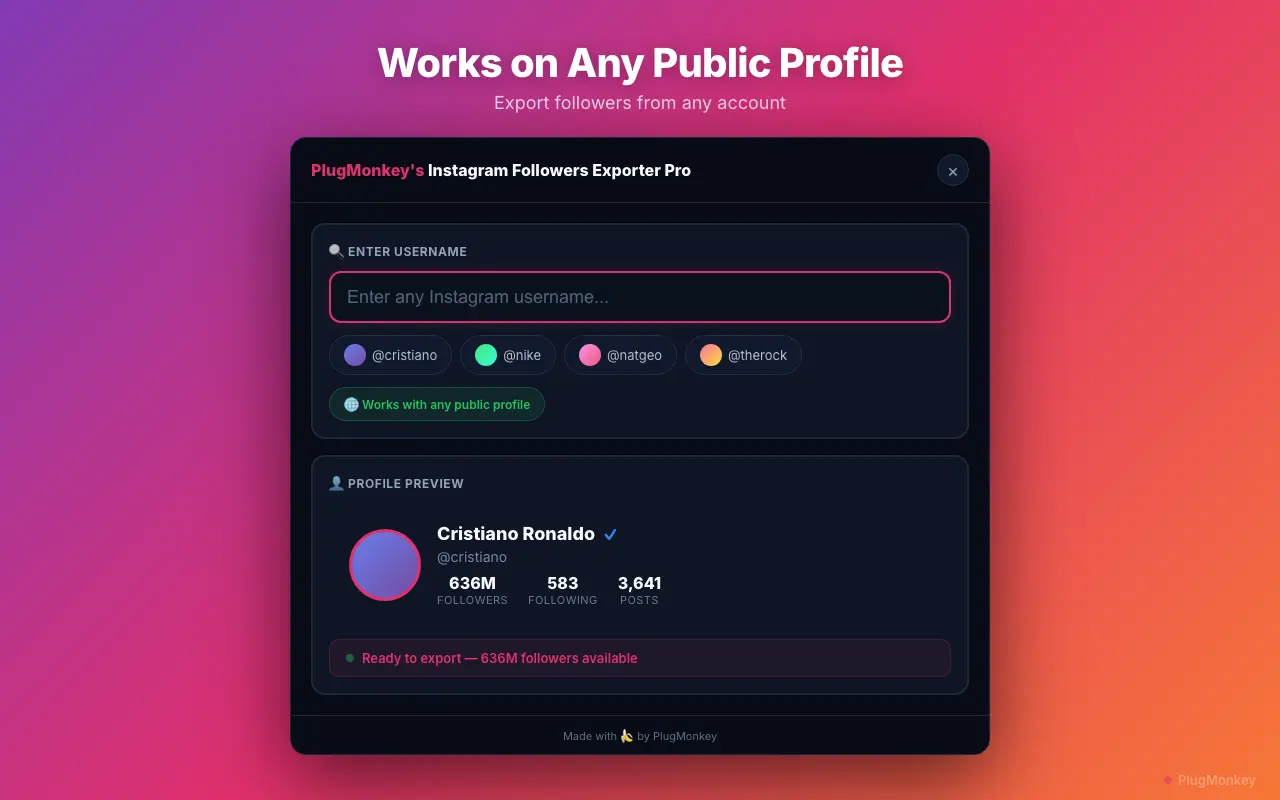
Navigate to the second Instagram account. Open the exporter panel again — the username field updates automatically when you visit a new profile. Select "Followers" and click "Start." Download this CSV as well (e.g., "influencer_b_followers.csv"). Repeat this step for any additional accounts you want to include in the comparison.
Followers Exporter Pro for Instagram's table view of exportable follower data
3

Import both CSV files into a single spreadsheet

Open a new spreadsheet in Google Sheets or Excel. Import the first CSV into Sheet 1 (rename the tab to the account name, e.g., "InfluencerA"). Import the second CSV into Sheet 2 (rename to "InfluencerB"). You should now have two sheets in the same workbook, each containing the full follower data for one account.
4

Find shared followers using VLOOKUP or MATCH

Create a third sheet called "Overlap." In this sheet, list all usernames from Sheet 1 in column A. In column B, use a VLOOKUP formula to check if each username exists in Sheet 2: =IF(IFERROR(VLOOKUP(A2, InfluencerB!$A:$A, 1, FALSE), "")=A2, "SHARED", "UNIQUE"). This formula returns "SHARED" if the username appears in both follower lists and "UNIQUE" if it only follows the first account. Drag the formula down for all rows.
Pro Tip

For very large datasets (50K+ rows), VLOOKUP can be slow. Use INDEX/MATCH instead or create a helper column with COUNTIF: =IF(COUNTIF(InfluencerB!$A:$A, A2)>0, "SHARED", "UNIQUE"). COUNTIF is often faster on large ranges in Google Sheets.

5

Calculate the overlap percentage

Count the shared followers and calculate the overlap percentage. In a summary cell, use: =COUNTIF(B:B, "SHARED") to get the total number of shared followers. Divide this by the total followers in each list to get two overlap percentages — one from each account's perspective. For example, if Account A has 10,000 followers and Account B has 25,000 followers and they share 3,000, the overlap is 30% from A's perspective and 12% from B's perspective. Both numbers are meaningful and tell different stories.
6

Analyze the shared audience profile

Filter the Overlap sheet to show only "SHARED" followers. Since you have full metadata (bios, follower counts, post counts), you can analyze the shared audience the same way you would analyze any follower list. Key questions to answer: Are shared followers more or less influential than unique followers? Do shared followers have common niches or professions in their bios? What is the average follower count of shared vs. unique followers? This analysis reveals whether a collaboration would reach new people or simply overlap with your existing audience.
7

Make data-driven collaboration decisions

Use the overlap analysis to inform your decisions. Low overlap (under 15%) means a collaboration would expose both accounts to mostly new audiences — ideal for growth partnerships. High overlap (over 40%) means the audiences are already largely the same — collaborations would reinforce existing relationships rather than expand reach. Moderate overlap (15-40%) is often the sweet spot — enough shared interest to ensure relevance, but enough unique audience to deliver new reach. Apply this analysis to influencer partnership decisions, co-marketing campaigns, and advertising audience targeting.

Summary

You have completed an audience overlap analysis between two or more Instagram accounts. This technique is invaluable for making data-driven decisions about influencer collaborations, partnership marketing, and competitive positioning. Low overlap signals growth opportunity through collaboration. High overlap signals an existing shared audience. The same methodology scales to comparing three or more accounts — simply add more VLOOKUP columns or use COUNTIF across multiple sheets to find followers that appear in all lists. Followers Exporter Pro for Instagram makes the data extraction straightforward for any public account, and the spreadsheet analysis can be templated and reused for future comparisons.

Need More Help?

Get personalized AI assistance with additional tips and troubleshooting.

AI responses are generated independently and may vary

Frequently Asked Questions

Compare Any Instagram Audiences Side by Side

Followers Exporter Pro for Instagram exports follower lists from any public account. Compare audiences, find overlap, and make smarter collaboration decisions. Free to install.