5 Best Twitch Clip Downloader Chrome Extensions
Twitch deletes VODs after 14 days (60 for Partners/Prime). Sub-only VODs disappear if your sub lapses. Clips and VODs both lack a native download button. Five Chrome extensions handle the gap — we tested across clips, standard VODs, sub-only VODs, and 8+ hour broadcasts.
By PlugMonkey Team, Editorial
TL;DR
Twitch's retention is hostile to anyone who wants to archive content: Past Broadcasts are deleted at 14 days (60 for Partner/Prime/Affiliate), Highlights are kept indefinitely but require the streamer to manually promote a segment before the broadcast expires, sub-only VODs require an active subscription to view (you lose access when you stop subscribing), and Clips are kept indefinitely but have no native download. For viewers who want to preserve highlights from streams, archive sub-only content while still subscribed, or capture specific clips for compilation videos, Chrome extensions fill the gap. We tested 5 extensions in May-June 2026 across all 4 content types — clips, standard VODs, sub-only VODs, and very long (8+ hour) broadcasts.
- Best overall: Video Downloader Pro (#1) — only extension we tested that handled all 4 Twitch content types (clips, standard VODs, sub-only VODs with active subscription, 8+ hour broadcasts) at original Source quality.
- Twitch's retention is hostile: standard Past Broadcasts auto-delete at 14 days, Partner/Prime/Affiliate at 60 days. If you want to keep a stream, download within the window — there's no recovery after deletion.
- Sub-only VODs require an active subscription to VIEW and to DOWNLOAD. The extension uses your existing browser session — if you can view a sub-only VOD while subscribed, you can download it. Once your sub lapses, sub-only content is gone.
- Twitch Clips (30-60 sec) don't expire and have their own URL pattern (clips.twitch.tv/{slug}). For full broadcasts, see the dedicated [Twitch VOD Downloader](/download/download-twitch-vods/) workflow.
How We Evaluated
Handles all 4 Twitch content types
Clips (twitch.tv/[streamer]/clip/[id]), VODs (twitch.tv/videos/[id]), sub-only VODs (require subscription), and Highlights (kept indefinitely). Best extensions handle all 4; lesser ones cover only clips or only VODs.
Long-broadcast support (8+ hours)
Some extensions handle short clips fine but fail on long broadcasts (8-12 hour streams). The issue: HLS segment count for long broadcasts is huge (5000+ segments), and weak extensions time out or crash. Best handles full-length without breaking.
Sub-only VOD support (when you're an active subscriber)
Sub-only VODs require an active subscription to the streamer. Best extensions capture these using your existing logged-in session while subscribed. None can bypass the subscription requirement; if you're not subbed, no extension can help.
Quality + format options
Twitch streams at various qualities (160p to 1080p60). Extensions should let you pick. Best preserve source quality without re-encoding; lesser ones force re-encode for compatibility.
Speed before the 14-day deletion clock
VODs expire on a tight timeline. Extensions that download faster (parallel HLS segment fetching) win because you can grab more content before deletion. Sequential-only extensions are slow on long VODs.
The Rankings
5 tools tested and ranked
Video Downloader Pro (PlugMonkey)
Handles clips, VODs, sub-only (with sub), and 8+ hour broadcasts at original quality
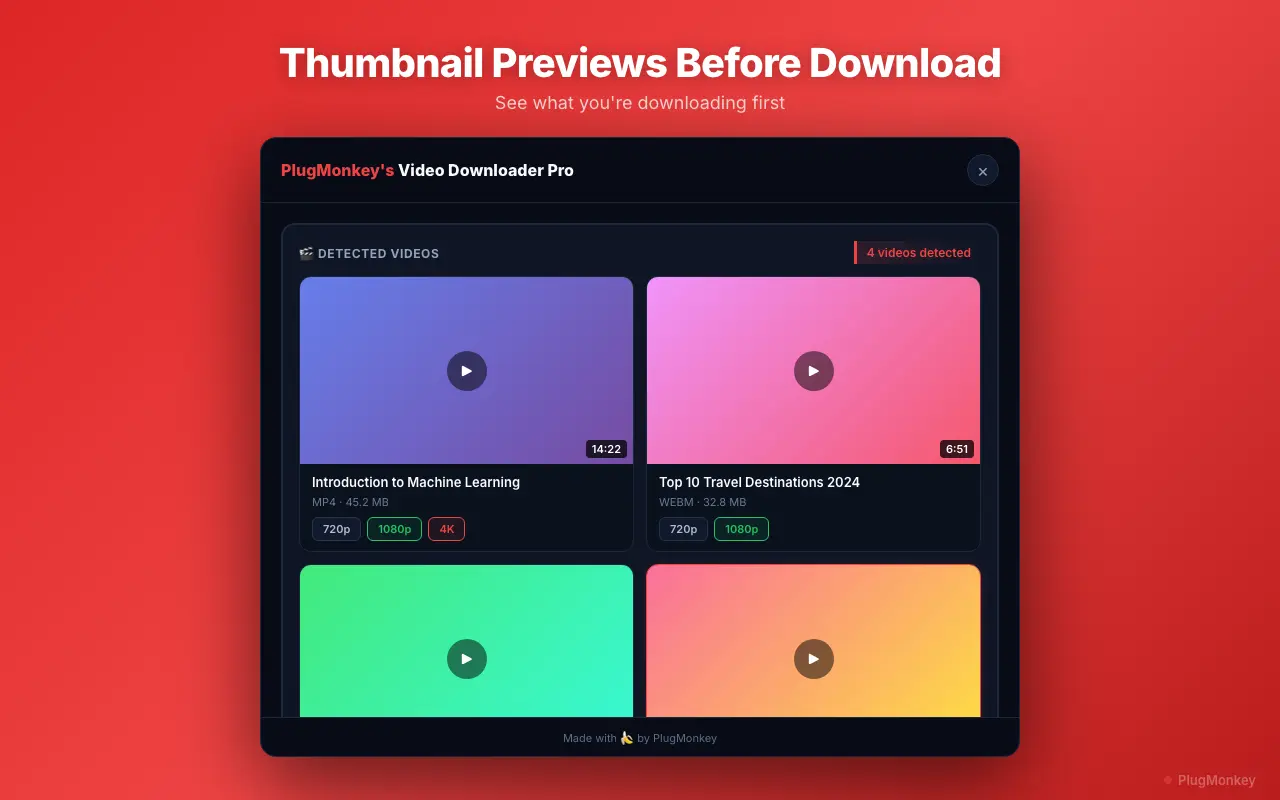
Video Downloader Pro detects Twitch's HLS stream during playback regardless of content type. Works for clips, standard VODs, sub-only VODs (when your subscription is active), and very long broadcasts. Captures at original quality, muxes into single MP4 locally.
Pros
- Handles all 4 Twitch content types (clips, VODs, sub-only, Highlights)
- Long-broadcast support — tested on 12-hour streams without timeout
- Captures sub-only VODs using your active subscription session
- Original quality (1080p60 when source is 1080p60)
- 100% local processing — no Twitch URLs sent to helper servers
- Parallel HLS segment fetching — fast even on long VODs
- Same extension supports 1000+ other sites
Cons
- Can't bypass Twitch's subscription requirement for sub-only VODs (subscription needed)
- Doesn't bypass Twitch's geographic restrictions (region-blocked content requires VPN)
- Chrome-only
Verdict: Best overall — only extension we tested that handled all 4 content types reliably including 8+ hour broadcasts. Sub-only VOD support depends on your active subscription, not the extension.
Twitch Leecher (desktop, not extension)
Powerful desktop tool — best for batch archiving entire channels
Twitch Leecher is a free Windows desktop app (open source) that downloads Twitch VODs in bulk. Most powerful tool for archiving an entire channel's history before deletion. Not a Chrome extension — a separate app you run alongside.
Pros
- Free + open source
- Best for batch archiving (download all of a streamer's VODs)
- Handles long broadcasts reliably
- Quality selection up to source
- Strong community for troubleshooting
Cons
- Windows-only (Mac/Linux users need alternatives)
- Not a browser extension — requires separate desktop install
- Doesn't handle sub-only VODs unless you authenticate (requires extra setup)
- Less convenient for single-VOD captures (you encounter a VOD, switch to Twitch Leecher, paste URL)
Verdict: Best for serious archivists doing bulk channel archiving on Windows. For one-off downloads during browsing, a Chrome extension is faster.
Clipr
Clip-focused — great for the 'download this clip' use case, not full VODs
Clipr adds a download button to Twitch clip pages. Optimized specifically for clips (sub-60 second segments). Doesn't handle VODs or long broadcasts well.
Pros
- Excellent for clips (the most common single-download use case)
- Clean MP4 output for clips
- Free
- Inline button on clip pages
Cons
- Limited or no VOD support
- Doesn't handle sub-only content
- Long broadcast capture is unreliable
- Smaller feature set than general-purpose downloaders
Verdict: Solid choice if you ONLY download clips and never need VODs. For mixed clip + VOD workflow, a general-purpose downloader is better.
Streamlink (CLI, not extension)
Power-user CLI tool — captures live streams + VODs to any player or file
Streamlink is a free command-line tool that pipes Twitch (and many other) streams to a video player OR saves to file. Power-user tool — requires comfort with CLI. Capable of capturing LIVE streams (something extensions struggle with).
Pros
- Free + open source + cross-platform (Mac/Linux/Windows)
- Captures LIVE Twitch streams (most extensions don't)
- Scriptable for automated archiving workflows
- Handles HLS / DASH and many stream protocols
- Stays current with Twitch's player changes (active maintenance)
Cons
- Command-line interface — not for non-technical users
- No GUI — you specify URL + quality in terminal
- Setup involves installing Python and CLI configuration
- Sub-only VODs require auth token setup (technical)
Verdict: Best for technical users doing live-stream capture or automated archiving. Not appropriate for non-technical users. Pair with a Chrome extension for casual saves; use Streamlink for serious workflow automation.
Generic 'Twitch Clip Downloader' Web Tools
Paste-URL websites — work for clips, fail on VODs and sub-only content
Web-based tools (twitchclipdownloader.com, twitchdownloader.net, etc.) accept a Twitch clip or VOD URL and return a download. Convenient but variable quality + privacy concerns.
Pros
- No install needed
- Free for occasional use
- Work for public clips
Cons
- URLs uploaded to their servers (privacy concern)
- Often fail on long VODs (server-side timeouts)
- Don't handle sub-only content (their servers aren't subscribed)
- Ads, occasional sketchy redirects
- Quality often degraded vs source (server-side re-encoding)
Verdict: Use as fallback for one-off public clips when you don't have an extension installed. Not appropriate for VODs, sub-only content, or anything sensitive. The extension/desktop options above are better in nearly every dimension.
Want AI's Take on Our Rankings?
Ask AI to analyze this roundup and give you an independent perspective.
AI responses are generated independently and may vary
Quick Comparison
Top 5 tools at a glance
| Feature | Video Downloader Pro | Twitch Leecher | Clipr | Streamlink | Web Tools |
|---|---|---|---|---|---|
| Clips | Yes | Yes | Yes (best) | Yes (CLI) | Yes |
| Standard VODs | Yes | Yes (best for batch) | Limited | Yes (CLI) | Sometimes |
| Sub-only VODs (with active sub) | Yes | Yes (with token setup) | No | Yes (with token setup) | No |
| 8+ hour broadcasts | Yes | Yes | No | Yes | Often times out |
| Platform | Chrome (Mac/Win/Linux) | Windows only | Chrome | CLI (all platforms) | Web (all platforms) |
Capture Twitch content before the 14-day deletion clock
Video Downloader Pro handles clips, VODs, sub-only VODs (with active subscription), and 8+ hour broadcasts. Original quality, local processing, ready before Twitch's CDN expires the source.