The Safe Y2Mate Alternative That Actually Works
Y2Mate bombards you with aggressive ads, popup redirects to suspicious sites, and fake download buttons. Video Downloader Pro is a Chrome Web Store extension — zero ads, zero redirects, zero risk. Just click and download.
 By Zee Calder
TL;DR
Y2Mate is a web-based video downloader notorious for aggressive advertising, deceptive download buttons, popup redirects to suspicious domains, and potential malware. You have to copy-paste URLs and navigate a minefield of ads just to download one video. Video Downloader Pro is a Chrome Web Store extension that auto-detects videos on any page — one click to download in HD/4K/8K. No ads, no redirects, no navigating to sketchy websites. Free tier: 5 downloads per week.
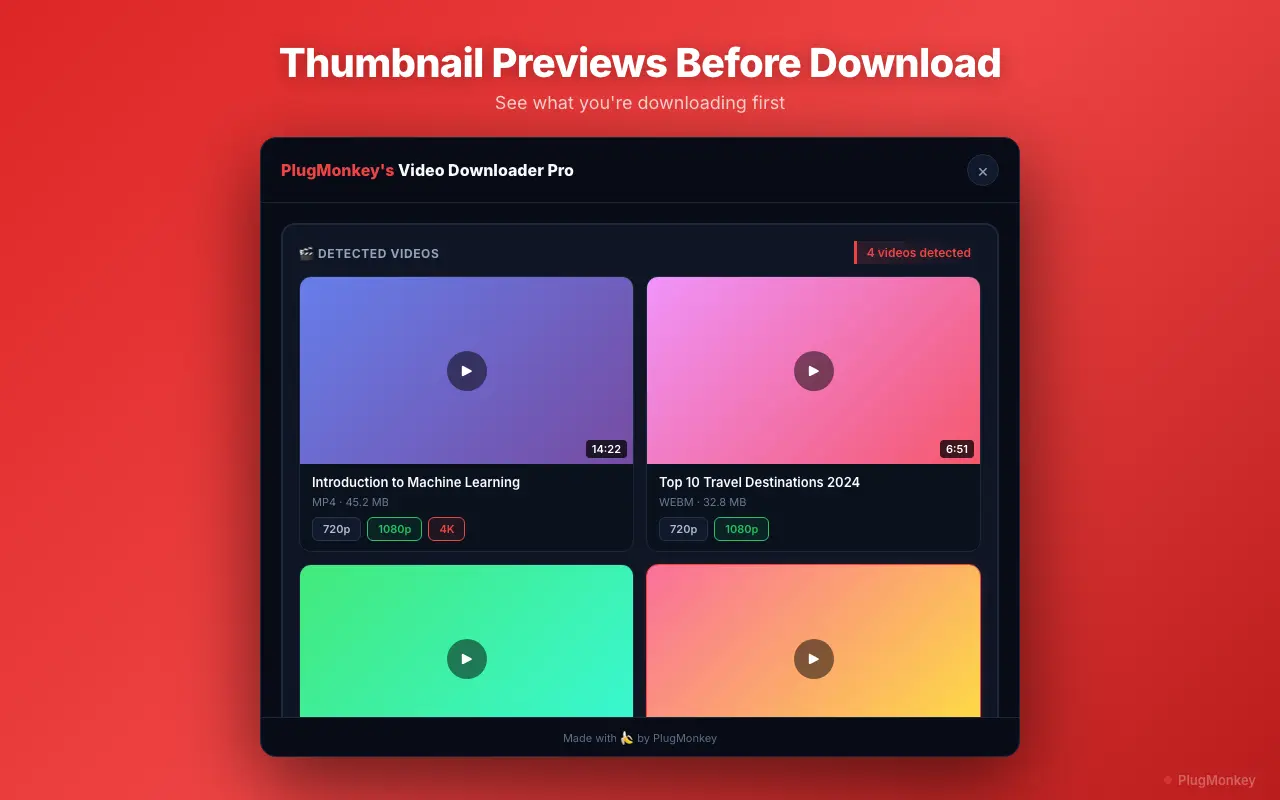
Why People Look for Y2Mate Alternatives
Aggressive ads and fake download buttons
Y2Mate's interface is cluttered with ads disguised as download buttons. Click the wrong one and you're redirected to suspicious websites, prompted to install unknown software, or shown misleading virus warnings designed to scare you into clicking.
Popup redirects to suspicious sites
Nearly every interaction on Y2Mate triggers popup windows redirecting to gambling sites, fake antivirus pages, or other suspicious domains. Security researchers have consistently flagged these redirects as potential vectors for malware and phishing.
Copy-paste workflow is tedious
Y2Mate requires you to leave the page you're watching, navigate to y2mate.com, paste the video URL, wait for processing, then find the real download button among the ads. This multi-step process is slow and frustrating compared to a browser extension.
Limited site and format support
Y2Mate primarily works with a handful of major video platforms and offers limited format options. It struggles with embedded videos, HLS streams, and videos on lesser-known websites. Quality options are often restricted.
Video Downloader Pro vs Y2Mate
Feature-by-feature comparison
| Feature | Y2Mate | Video Downloader Pro |
|---|---|---|
| How it works | Web-based — copy-paste URLs | Browser extension — auto-detects videos |
| Ads | Aggressive ads, fake download buttons | Zero ads |
| Popup redirects | Frequent redirects to suspicious sites | No redirects, ever |
| Malware risk | Flagged by security researchers | Chrome Web Store verified |
| Video detection | Manual URL paste only | Automatic page scan |
| Max resolution | Varies, often limited | Up to 8K Ultra HD |
| Supported formats | MP4, limited options | MP4 and WebM; HLS and DASH saved as MP4 |
| Site coverage | Major platforms only | Any page with playable video (not YouTube) |
| File size limits | Yes, varies by server | No file size limits |
| Batch downloads | No | Yes (Pro) |
| Pricing | Free (ad-supported) | $4.99/mo or $34.99 lifetime |
Pricing: Video Downloader Pro vs Y2Mate
Y2Mate
Free but ad-supported with aggressive popups, redirects, and potential malware exposure. The real cost is your time and security.
- Subscription-only pricing
- Lose access when you cancel
Video Downloader Pro
Free tier available (5 downloads/week). A safe, ad-free video downloader costs less than one coffee per month.
30-day refund if it doesn't work as described
Still Deciding?
Get an independent AI perspective on which tool is the better fit for you.
AI responses are generated independently and may vary
Is Video Downloader Pro Right for You?
Switch If You...
- You're tired of navigating ads, fake buttons, and popup redirects on Y2Mate
- You want to download videos without leaving the page you're watching
- You need a tool that works on more than just major video platforms
- You want HD/4K/8K quality with multiple format options
- You prefer a Chrome Web Store extension verified by Google over a sketchy website
- You value your privacy and don't want to risk malware exposure
Consider Other Options If You...
- You specifically need YouTube downloads — neither tool supports YouTube due to Terms of Service compliance
Stop navigating ad minefields. Download videos the safe way.
Video Downloader Pro: zero ads, zero redirects. HD/4K/8K from the pages you visit. Chrome Web Store verified.