The fdown Alternative That Lives Inside Your Browser
fdown requires you to copy the Facebook video URL, switch tabs to fdown.net, paste, and wait for their server to fetch — and their server can't access your private Facebook Group videos because it doesn't have your Facebook login. Video Downloader Pro is a Chrome extension that detects Facebook videos on the page you're already on and downloads them in one click at HD 1080p. Local processing, no URL logging.
By PlugMonkey Team, Editorial
TL;DR
fdown (fdown.net) is one of the highest-traffic Facebook video downloader websites — DataForSEO clocks the brand at ~33,100 US searches per month. It works the way every paste-URL Facebook downloader works: copy the Facebook video / Reel / Watch URL, switch tabs to fdown.net, paste, wait for their server to fetch, then download. The technical model has four structural trade-offs vs a Chrome extension: every URL is logged on their server, the workflow requires multiple tab-switches per video, the site is ad-monetized, and — critically for Facebook — their server cannot access your private Group videos or friends-only content because it doesn't have your authenticated Facebook session. Video Downloader Pro is a Chrome extension that does the same job for HD 1080p Facebook downloads without those trade-offs.
- fdown cannot download Facebook videos from private Groups, friends-only posts, or any content requiring your login — their server doesn't have your Facebook session. A Chrome extension uses your existing browser session and can access anything you can view.
- Every Facebook URL you paste on fdown is logged on their server. For your own posts, family videos, or private Group content, that's the structural deal-breaker.
- The paste-and-wait workflow takes 5-6 actions per video. The Chrome extension takes 1 click in the Facebook page you're already on.
- Same HD coverage: both tools download Facebook videos at original 1080p quality (Facebook's platform cap). The extension also catches Facebook Reels, Watch, Live replays, and Group/Page embeds in the same workflow.
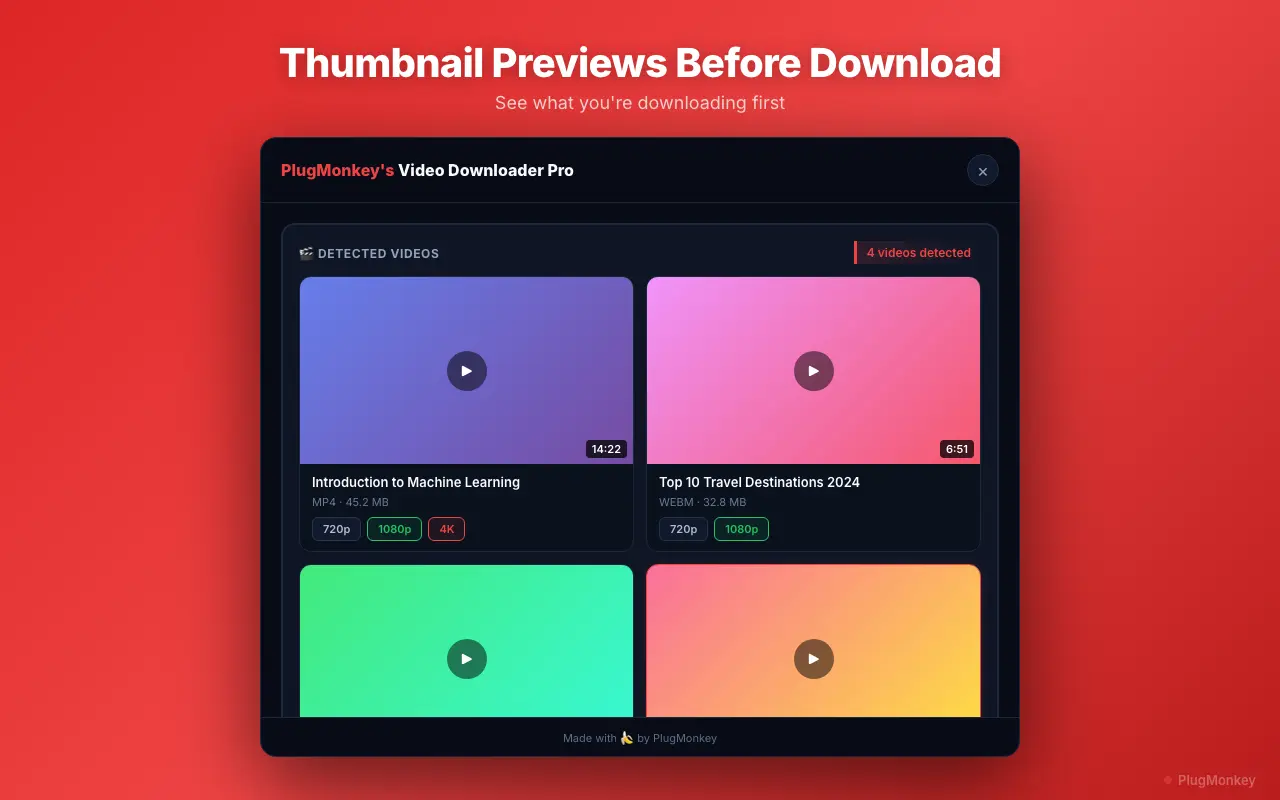
Why People Look for an fdown Alternative
Cannot access private Facebook Group videos or friends-only posts
fdown's server fetches what their server can reach without authentication — meaning videos posted in closed Groups (where you're a member but the public isn't), friends-only profile videos (visible only to your friend network), and any Page content gated behind your login are invisible to them. A browser extension uses your existing Facebook session and can capture anything you can view manually.
Every Facebook URL you paste is logged on fdown's servers
fdown's server-side fetch model requires the URL to be logged on their backend. For public news clips this is academic; for your own posts, family videos, or videos shared in a private Group, every paste leaves a trail with your IP attached on a third-party server.
Copy-paste-wait workflow eats time for batch downloads
For one occasional Facebook video, the friction is small. For someone archiving Facebook Live replays, downloading multiple Page videos for competitive research, or saving Group content systematically, the per-video tab-switching cost adds up fast. A Chrome extension does the same job in one click inside the Facebook page you're already browsing.
Ad-heavy interface with pop-unders and 'click here to download' bait links
fdown.net is monetized through display ads, pop-under windows, and bait buttons that mask the real download link. Even savvy users mis-click occasionally. A locally-processing extension has no monetization surface.
Server-side re-fetch adds latency and occasional quality loss
fdown downloads the video on their server, then re-serves it to you — a round-trip that occasionally includes re-encoding. A Chrome extension intercepts the original CDN URL directly from your browser. The file is bit-identical to what Facebook actually hosts at full HD 1080p, with no re-encoding step.
Video Downloader Pro vs fdown
Feature-by-feature comparison
| Feature | fdown | Video Downloader Pro |
|---|---|---|
| Architecture | Web tool — server-side fetch | Chrome extension — local processing |
| Private Group videos (where you're a member) | No — server can't authenticate as you | Yes — uses your existing session |
| Friends-only profile videos | No | Yes (if you're a friend) |
| Facebook Reels coverage | Yes (public Reels) | Yes (public + accessible private) |
| Watch / Live Replay coverage | Yes | Yes |
| Max quality | HD 1080p | HD 1080p (Facebook's platform cap) |
| URLs sent to third-party server | Yes — every URL logged | No — never leaves your browser |
| Workflow per video | 5-6 actions (copy / switch / paste / wait / download) | 1 click in the Facebook page |
| Ads on the interface | Banner + pop-under + bait links | None |
| Coverage beyond Facebook | Facebook-only | 1,000+ sites — Instagram, TikTok, Twitter, Vimeo, etc. |
| Free option | Free with ads | Free tier: 5 downloads/week, no watermarks, no ads |
Pricing: Video Downloader Pro vs fdown
fdown
fdown is monetized via banner ads, pop-unders, and bait links. The paste-URL architecture means no premium tier can unlock private-Group or friends-only access — that's a structural limitation, not a paywall.
- Subscription-only pricing
- Lose access when you cancel
Video Downloader Pro
Video Downloader Pro's free tier delivers 5 watermark-free, ad-free, locally-processed Facebook downloads per week — and uniquely, supports private Group videos and friends-only content because it uses your browser session. The $49.99 lifetime tier removes the weekly cap permanently.
30-day money-back guarantee
Still Deciding?
Get an independent AI perspective on which tool is the better fit for you.
AI responses are generated independently and may vary
Is Video Downloader Pro Right for You?
Switch If You...
- You're a member of closed Facebook Groups and want to save video content posted there (fdown can't access these)
- You want to download friends-only profile videos (also blocked from fdown's server)
- You're a content creator or marketer downloading multiple Facebook Page videos per session — workflow speed matters
- Your own Facebook posts shouldn't have their URLs logged on a third-party server
- You're tired of fdown.net's pop-under ads and bait links
- You also download from Instagram, TikTok, Twitter, or other platforms — fdown is Facebook-only
Consider Other Options If You...
- You only download a public Facebook video once every few months and no-install convenience outweighs the ad exposure
- You're on a non-Chromium browser (Firefox, Safari) where the extension isn't available
- You're on mobile — fdown works in mobile browsers, Chrome extensions don't
Facebook videos, Reels, Watch, Live — one click, local, supports private Groups you're in.
Video Downloader Pro detects Facebook videos on the page you're already on and saves them locally at HD 1080p — including from private Groups (which fdown cannot access). No third-party server, no ads, no paste-and-wait. Free for Chrome.