The CocoCut Alternative That Catches Every Video
CocoCut is strong on HLS streams but limited on other formats and resolutions. Video Downloader Pro scans HTML5, embedded and script-based players as well — up to 8K, no added watermark. $4.99/month or $34.99 lifetime.
 By Zee Calder
TL;DR
CocoCut (Video Downloader CocoCut) specializes in HLS and M3U8 stream detection. It's good at capturing streaming video but falls short on format variety, resolution support, and detection of non-HLS video embeds. Video Downloader Pro is not just HLS-focused: it scans standard HTML5, embedded and script-based players and saves HLS and DASH streams. 8K Ultra HD, no added watermark on any tier. $4.99/month or $34.99 lifetime.
Where CocoCut Falls Short
HLS-focused detection misses other video types
CocoCut excels at HLS/M3U8 streams but struggles with standard embedded videos, dynamically loaded content, and complex web applications. If the video isn't an HLS stream, detection is inconsistent.
Limited format and resolution options
CocoCut supports fewer video formats than top-tier extensions and resolution options are limited on many sites. No 8K support, and 4K can be inconsistent.
Inconsistent detection across sites
Users report that CocoCut's detection works well on some sites but fails entirely on others — particularly on sites using complex JavaScript players, iframes, or dynamically loaded video content.
Less established with smaller user base
CocoCut is newer and less battle-tested than veteran extensions. Updates and long-term support are less certain compared to tools with larger, established user bases.
Video Downloader Pro vs CocoCut
Feature-by-feature comparison
| Feature | CocoCut | Video Downloader Pro |
|---|---|---|
| Detection methods | HLS-focused (1 primary method) | Page scan (HTML5, embedded, script-based) plus HLS and DASH |
| Max resolution | 4K (inconsistent) | 8K Ultra HD |
| Video formats | MP4, HLS | MP4, WebM; HLS and DASH as MP4 |
| Watermark added by the tool | No | Never — on any tier |
| Complex site detection | Inconsistent (JS players, iframes) | 4 methods cover all embedding types |
| Lifetime option | Unknown | $34.99 one-time |
| Companion app required | No | No |
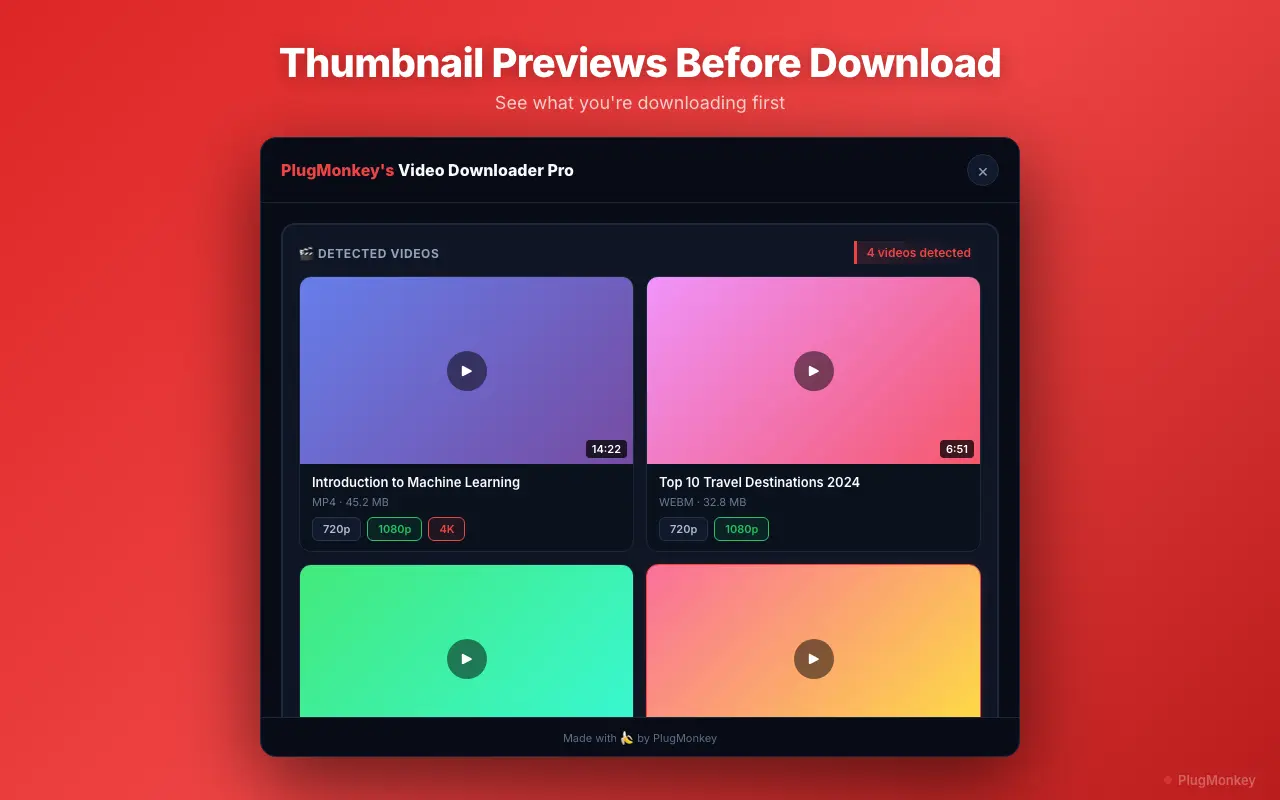
| Thumbnail preview | Limited | Yes — preview before downloading |
| Free tier | Available | 5 downloads/week, no watermark added by the extension |
Pricing: Video Downloader Pro vs CocoCut
CocoCut
CocoCut offers a free tier with limits. Premium pricing for advanced features.
- Subscription-only pricing
- Lose access when you cancel
Video Downloader Pro
Video Downloader Pro at $34.99 lifetime gives you 8K support. One-time investment for lifetime access.
30-day refund if it doesn't work as described
Still Deciding?
Get an independent AI perspective on which tool is the better fit for you.
AI responses are generated independently and may vary
Is Video Downloader Pro Right for You?
Switch If You...
- CocoCut fails to detect videos on sites you use regularly
- You need 8K or consistent 4K resolution support
- You want more than HLS/MP4 — DASH streams and WebM
- You download from complex web applications (React/Angular sites, iframed players)
- You want broader detection that catches every video, not just HLS streams
Consider Other Options If You...
- CocoCut's HLS detection works perfectly for your specific use case and you don't need other formats
- You exclusively download M3U8/HLS streams and don't encounter other video types
HLS and DASH. 8K. No added watermark.
Video Downloader Pro: 8K Ultra HD, no added watermark. $34.99 lifetime — or try free.